 by
by 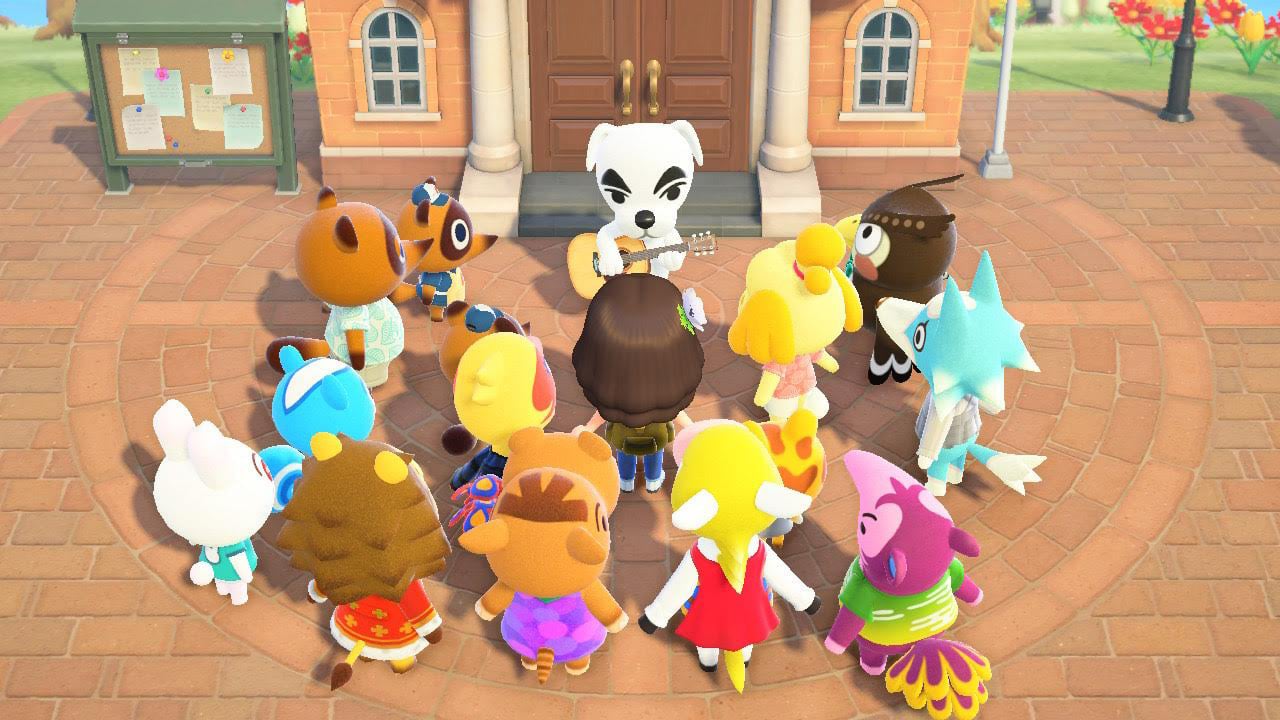
Ever since terraforming was first revealed in the Animal Crossing: New Horizons Direct, fans have been desperate to tinker with their island’s geography. Similarly, everyone wants their favourite guitar-playing doggo K.K. Slider to visit their island, but how can you make both of these wonderful things happen?
Well, a lot of hard work needs to be put into your island before you can unlock K.K. Slider and the Island Designer app, but it is extremely rewarding once you do so. Just think of all cliffs, rivers, and waterfalls you can build! All whilst listening to K.K.’s awesome tunes!
Subscribe to Nintendo Life on YouTube848k
This guide will explain how to do all of that, but first you need to have unlocked the upgraded Resident Services so Isabelle arrives and also have Nook’s Cranny set up somewhere on your island.
Once you’ve done all of the above, carry on reading our step-by-step guide to find out how to get K.K. Slider and, finally, the coveted Island Designer app.
How To Unlock Terraforming in Animal Crossing: New Horizons
Unlocking the Island Designer App is linked to getting K.K. Slider to perform a concert on your island.
How do I unlock K.K. Slider?
The first step to getting the Island Designer app is to develop your town into a thriving and reputable destination with a three-star rating. So reputable, in fact, that Animal Crossing legend K.K. Slider will want to visit and hold concerts for you and your townsfolk.
Once you’ve upgraded the Resident Services, talk to Tom Nook at the counter and ask, ‘What should I do now?’ Nook will tell you that his island dream would be for travelling musician K.K. Slider to visit your town.
To achieve this, you’ll first need to make some improvements to your island and secure a three-star rating from Isabelle. Essentially, the task is to make your island super-pretty and full of villagers so K.K. will want to visit.
How do I invite new villagers to my island?
K.K. Slider needs fans if he’s going to play a concert on your island. That means the first stage of Project K (as the quest is known) is bringing in new residents. This can be done in a few ways, but the two standout methods are by utilising the campsite feature and by buying plots of land.
Tom Nook will give you the DIY recipe for the campsite once you ask him for hints on how to further the growth of the island at Resident Services. From here you need to gather the necessary materials and set up the campsite as a temporary housing station for any visitors that want to come. After you’ve done so, visits from potential residents will occur randomly as days go by - keep a lookout for a tent.
Whilst some of these travelling strangers may be content with their own homes, a few will be dreaming of life on distant shores and, if you ask them, you may be able to convince them to move to your island.
As well as waiting for villagers to randomly appear at the campsite, you can speed up the process by heading to the Nook Stop inside Resident Services. Here you can invite certain villagers to stay by using their amiibo card or figure in conjunction with the machine. Not all Animal Crossing amiibo are compatible with this method, however, and you'll have to use each card three times and craft the camper's desired objects each time in order to coax them to stay on your island. Hey, you wanted Angus on your island!
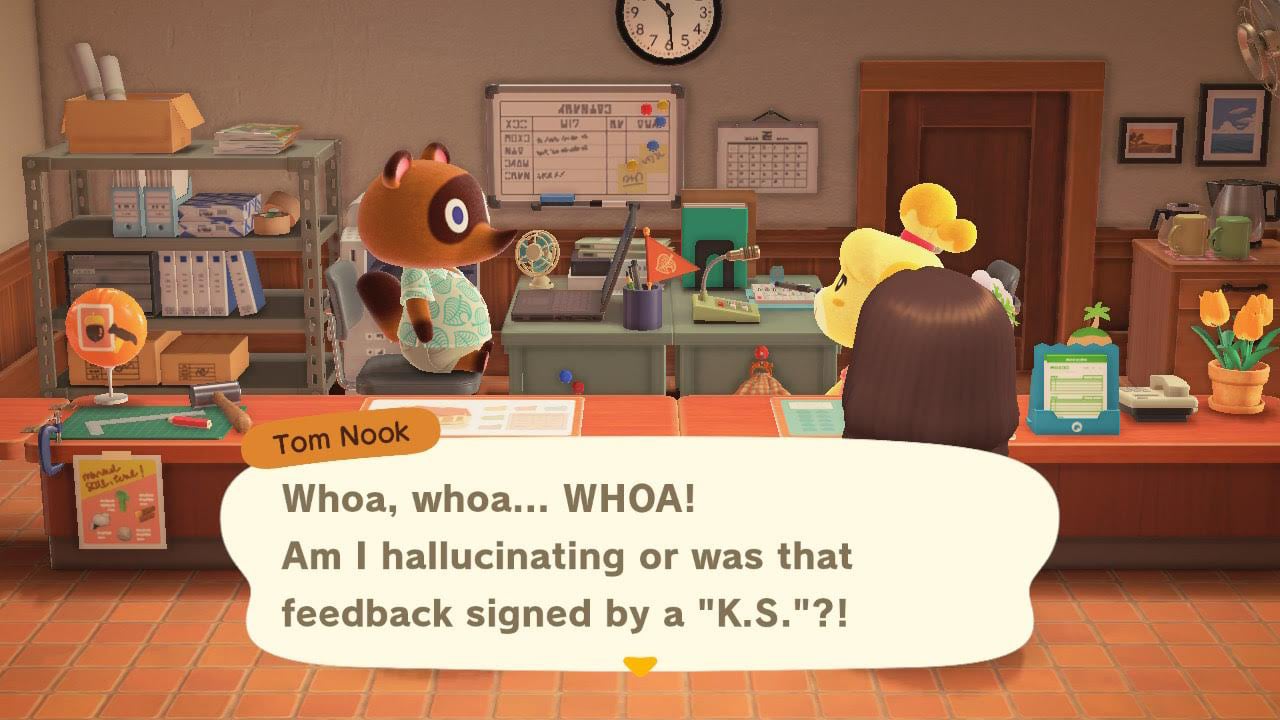
You can see how many villagers you’ll need to interest K.K. Slider by checking in with Isabelle at the counter in Resident Services. Ask her about the ‘island evaluation’ and she’ll list all of the ways you need to improve your island to get that three-star rating. If Isabelle tells you that feedback is limited, then you need to continue bringing in more residents to the island. Seven to ten villagers is the recommended amount.
Buying plots of land for new homes is an alternate way to grow your population. At Tom Nook’s construction counter, select ‘let’s talk infrastructure’ and then choose the ‘sell some land’ option. Tom Nook will ask for 10,000 Bells before you’ll be allowed to prepare a plot of land for a future resident, so you'll need to use all your best Bell-earning skills.
Once you’ve handed over the cash, take the tent Nook gives you to a suitable area, set it up and wait for the home to be sold. As well as gaining a new neighbour, you’ll receive 1,000 Nook Miles as a reward for preparing the plot – not a bad little bonus!
You may also be able to find villagers on the game’s procedurally generated islands if you use Nook Miles Tickets to get to them, but it’s not certain that potential residents will be there and the other methods can be more effective.
How do I improve my island rating?
Once your island is teeming with villagers your next task will be to continue to boost the rating of your town so that K.K. Slider will notice it. When talking to Isabelle at her counter, she’ll reveal feedback from residents about your island as well as giving your island a rating out of five stars.
This feedback will highlight the strengths of your island as well as any areas that need to be improved. Isabelle will often mention ways for you to increase your rating as well, with common criticisms ranging from lack of appealing scenery to the town feeling too rural and being overrun by trees or weeds.
To counter these criticisms set up more furniture outside, cut down areas that are choked by trees and plant lots of flowers so the island looks pretty!
Once you’ve reached a three-star rating you’ll get a feedback letter from none other than K.K. Slider himself! The laid-back musician will visit your town the next day and continue to make an appearance every Saturday where he’ll play music for all your villagers in concert. You can even request songs and receive gifts from him!
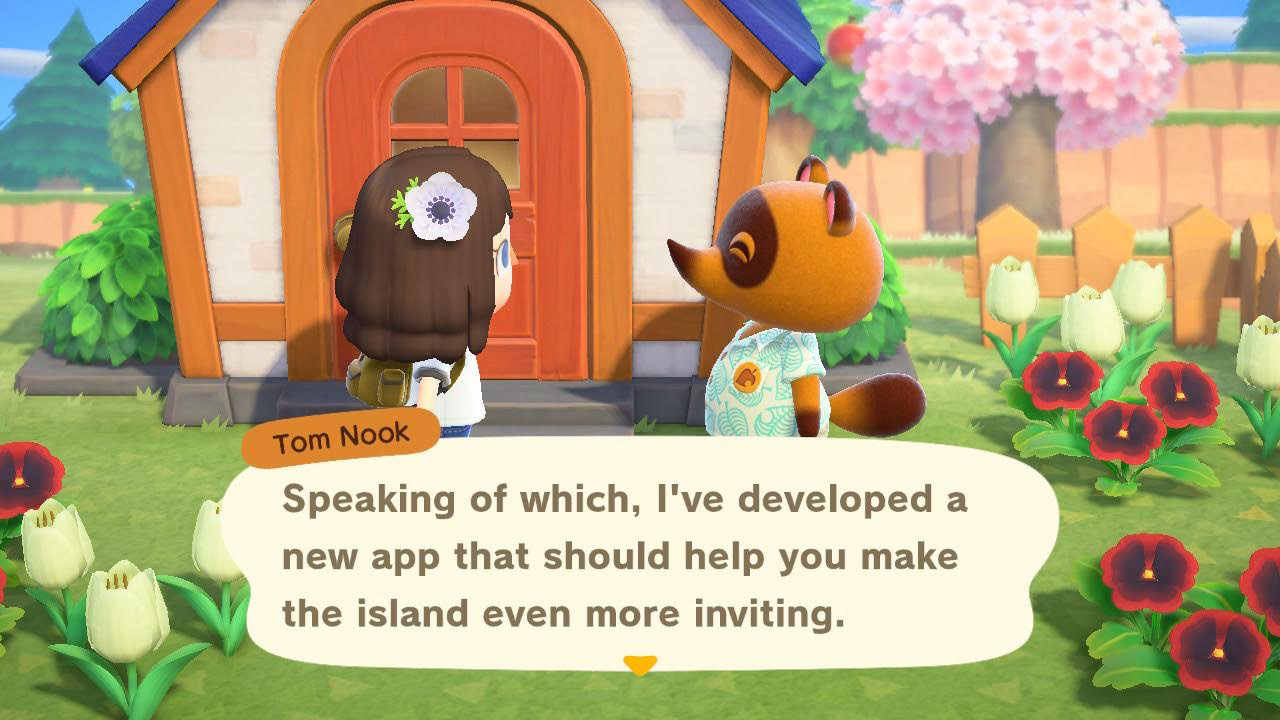
Once K.K. has played his debut concert on your island, Tom Nook will be waiting outside your door with a record and news that you can access a new app on your NookPhone, the Island Designer. Congratulations!
How do I use the Island Designer app?
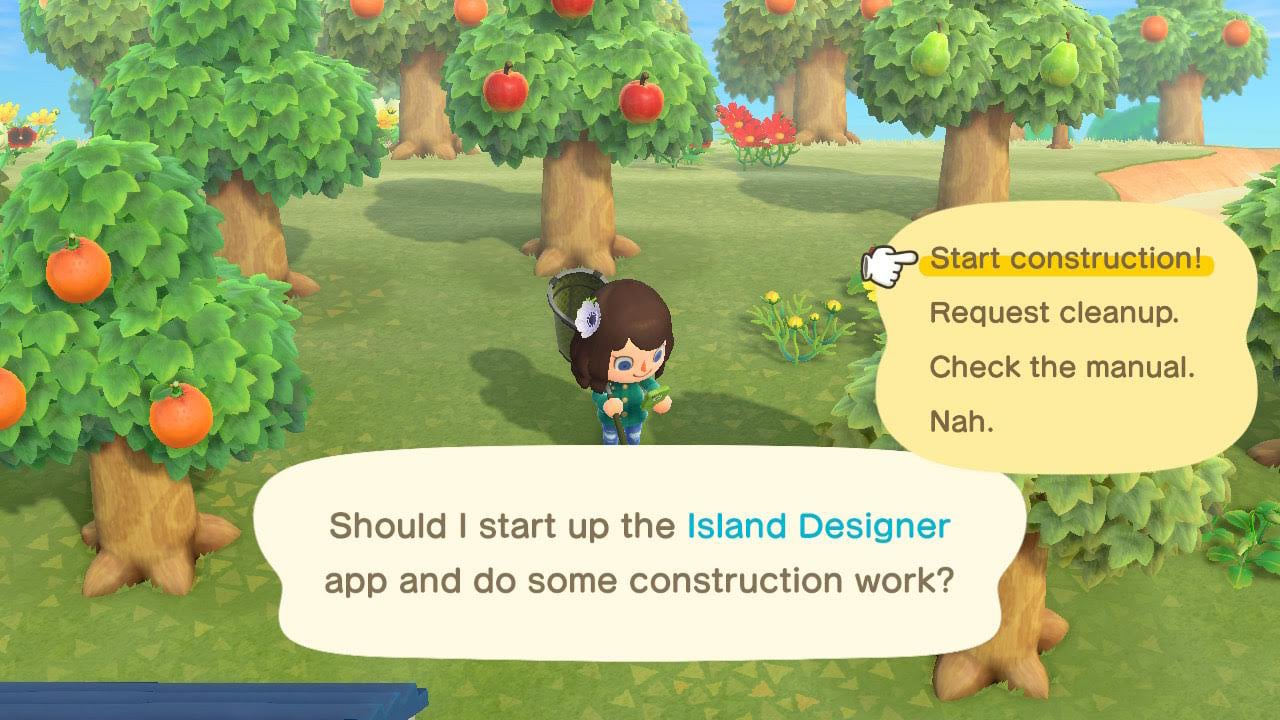
The Island Designer app is the perfect tool for reshaping your entire island. From laying down dirt paths to diverting rivers, there’s an endless amount of customisation potential. You can even fashion diagonal riverbanks and lay bridges across them at an angle.
You can use Island Designer anywhere on your island, and the level of freedom with design means that there is complete control over the way you’d like your dream island to look. Add new ponds, waterfalls and rivers to areas that were previously just woodland. Section off homes and add new elevations to make your island layout unique.
Should you need a reminder of how to use Island Designer and all of the functions in the app, you can open the NookPhone and read the information there. As well as a general guide, this app page is where you’ll be able to read up on the clean-up service. Best used in times of need where you may get stuck or be unable to reach an item, the clean-up service will remove trees, fencing (as well as any other items on the floor) and move them to the recycle box at Resident Services.
In update 3.0.0, the ability to strafe was added - simply hold down 'L' to stay aligned to the invisible grid. This makes landscaping and water scaping in straight lines much easier.