Update []: Nintendo Life staff writer Ollie Reynolds, who reviewed Metroid Prime 4: Beyond - Nintendo Switch 2 Edition and rolled the game's credits, has provided some clarification about the endgame and how the save process works – explaining how there is "plenty of warning and choice" when it comes to saving the game:
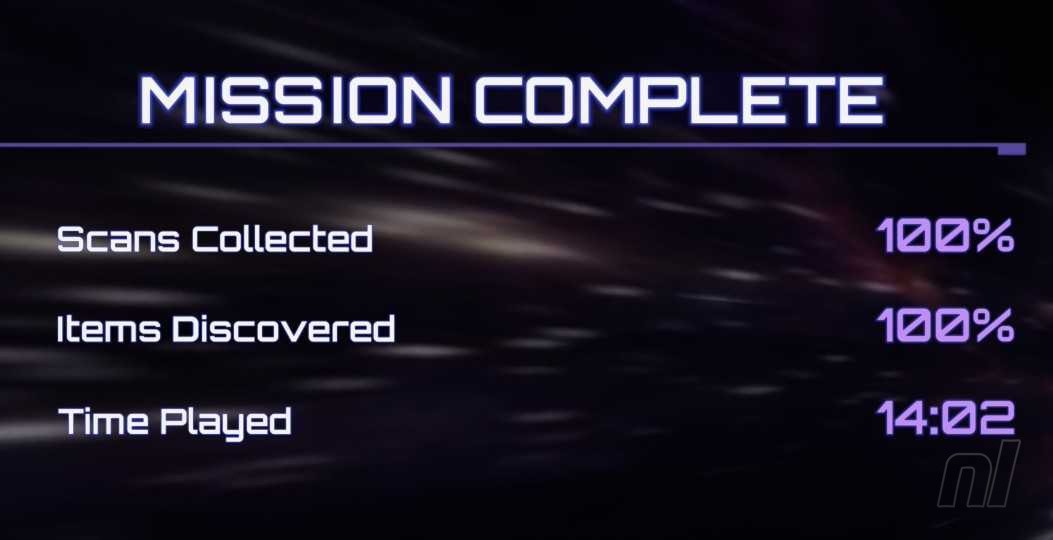
Ollie Reynolds: "It’s true that the game warns you that there’s no going back if you choose to head to the final area. It’s also true that the auto-save essentially locks you in once you’ve decided to proceed. With the manual save, however, you’re given a clear choice following the final boss to save your game again, overwriting your progress with a ‘Mission Complete’ save file.
Subscribe to Nintendo Life on YouTube844k
"If you wish to revert back to your previous save and attempt 100% completion, you can just select ‘No’ when presented with this choice. The idea that the game locks you into the endgame regardless of your choices isn’t accurate. We’d still recommend copying your save file regardless; that’s just good practice. But if you have a manual save in place before the endgame, don’t worry – you’re given plenty of warning and choice should you wish to keep it in place."
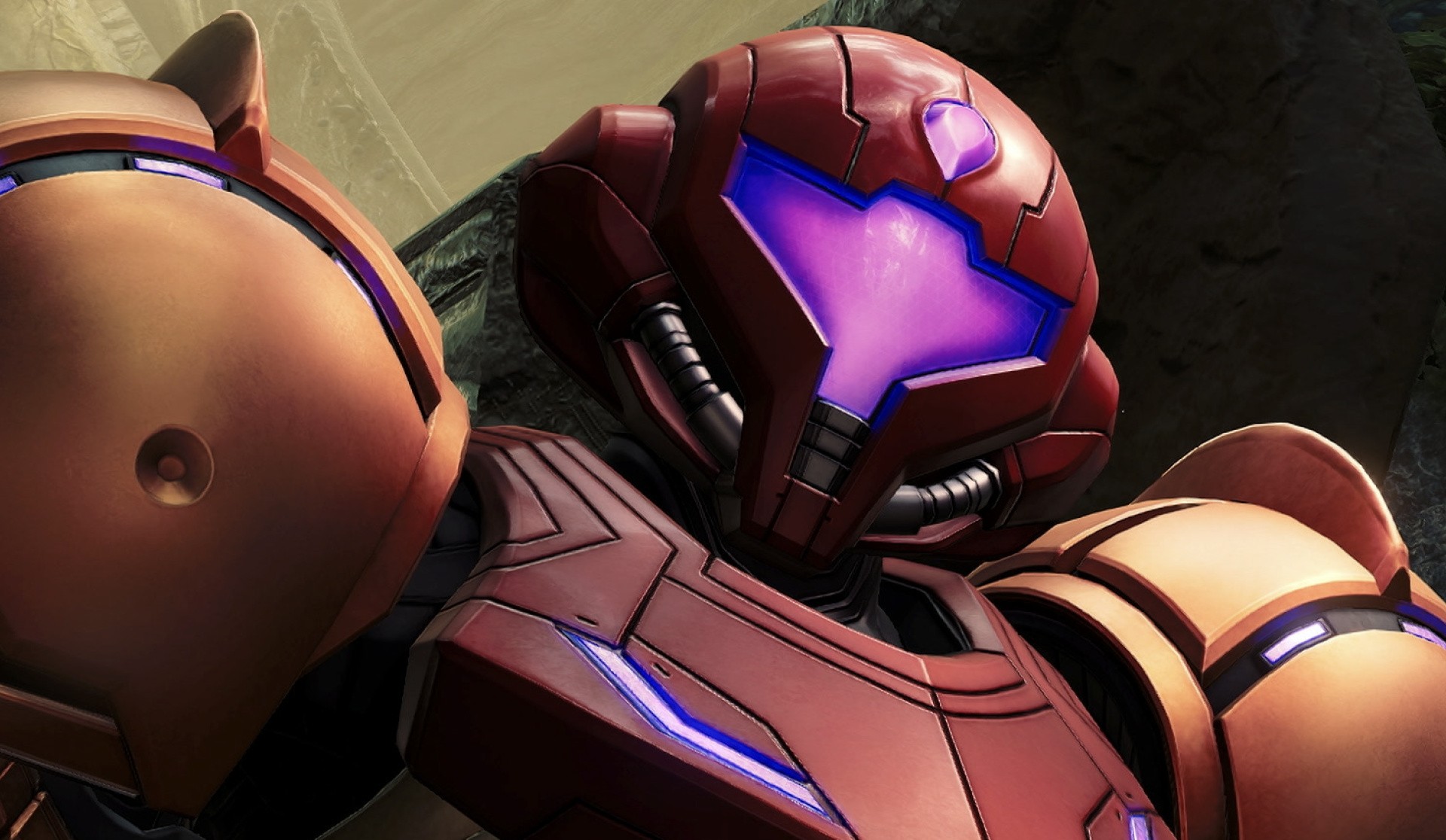
Original Story: If you're diving into Metroid Prime 4: Beyond on the Switch or Switch 2 this week, you might want to make a mental note of this before you reach the endgame.
As highlighted by GameSpot's reviewer Steve Watts, Samus' new adventure gets to a point towards the end where (spoiler alert) there's no point of return. And once you're locked in, there really is no going back, and you'll potentially be unable to 100% the game.
"When I was ready to proceed to the endgame, I got the usual warnings about a point of no return, but I had figured I could always load an older save to go back and do more exploring to pick up power-ups that I missed... But the auto-save now has me locked into the final area with no such apparent option, and my regular save slot--the one that activates when Samus steps into a save station--has been overwritten with a Mission Complete, so loading it prompts me to start a new game."
It's recommended you make a copy of your existing save before you dive into the final part of the game or "opt not to overwrite with a Mission Complete save" – so you can keep chipping away at scans and items after you've rolled the credits. As noted by the same source, there's a chance Nintendo and Retro could address this in a future update.