 by
by 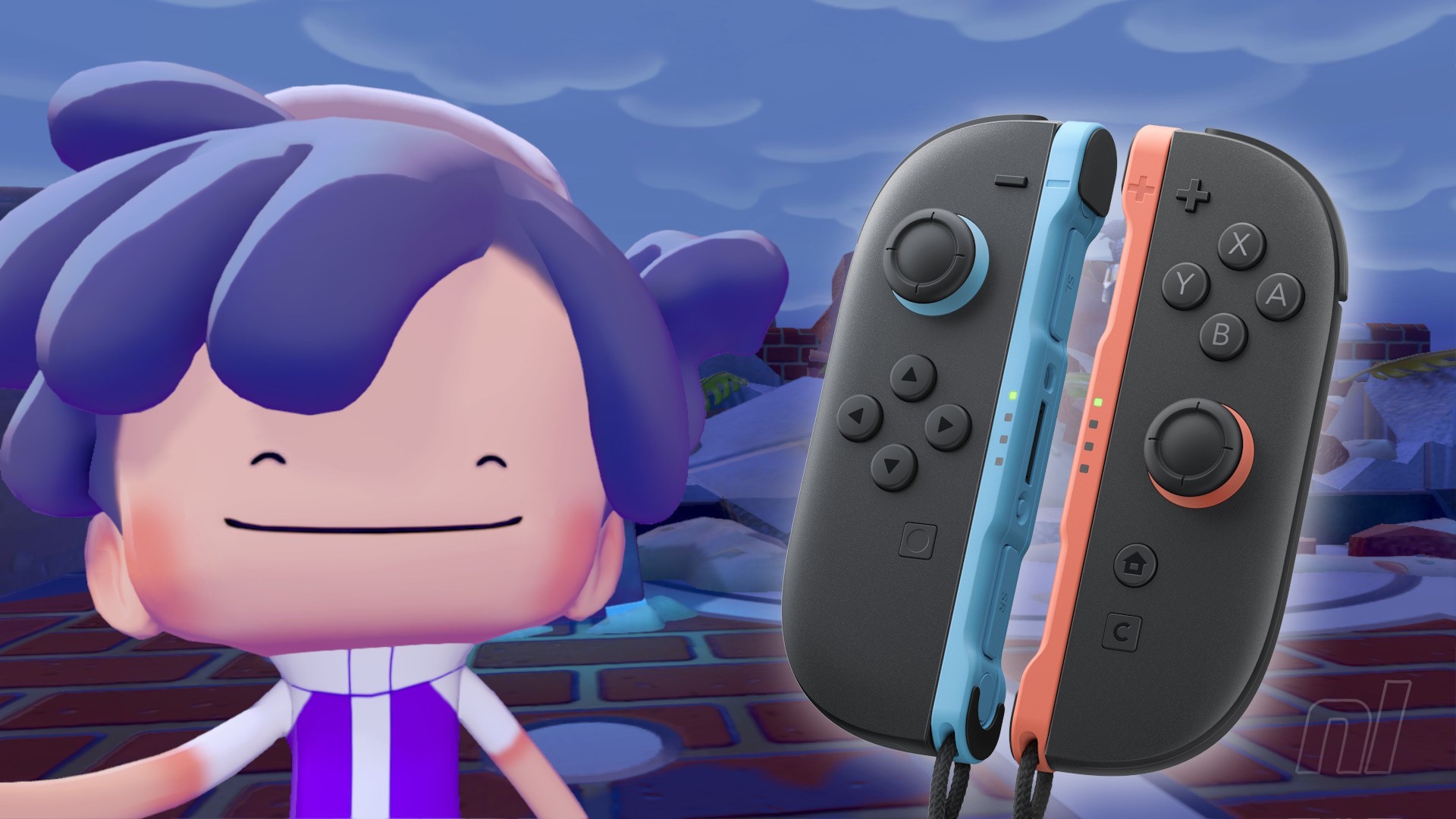
Mouse Mode is one of the Switch 2's defining features, but it often feels a little underutilised. So a game all about building and crafting like Pokémon Pokopia is the perfect place to implement this control scheme, right?
Well, yes! You can use mouse controls in Pokémon Pokopia, and in this guide, we'll tell you how to use them and what exactly you can do while using your Joy-Con 2 as a mouse.
How to use Mouse Mode in Pokémon Pokopia
Like most games on the Switch 2, it's super easy. All you have to do is remove the Joy-Con 2 from the console, but the wrist straps on, and hold them coloured-side down on the table.
You'll know it's working because you'll see a little mouse cursor on your screen.
Subscribe to Nintendo Life on YouTube852k
You can turn off Mouse Mode any time, too. Just head to the in-game settings and scroll down on the Game tab to the Mouse Mode section, where you can flip them on and off.
What can you do with mouse controls?
The main benefit of mouse controls is that it allows you to place furniture much more accurately, both inside a house and outside in the world.
You can place items much further away from you, and you're not reliant on Ditto's positioning. You can also do the same with any blocks you want to place out in the world.
Another thing you can do us use Rock Smash, and again, it's much more accurate than using standard controls, though still a bit fiddly.
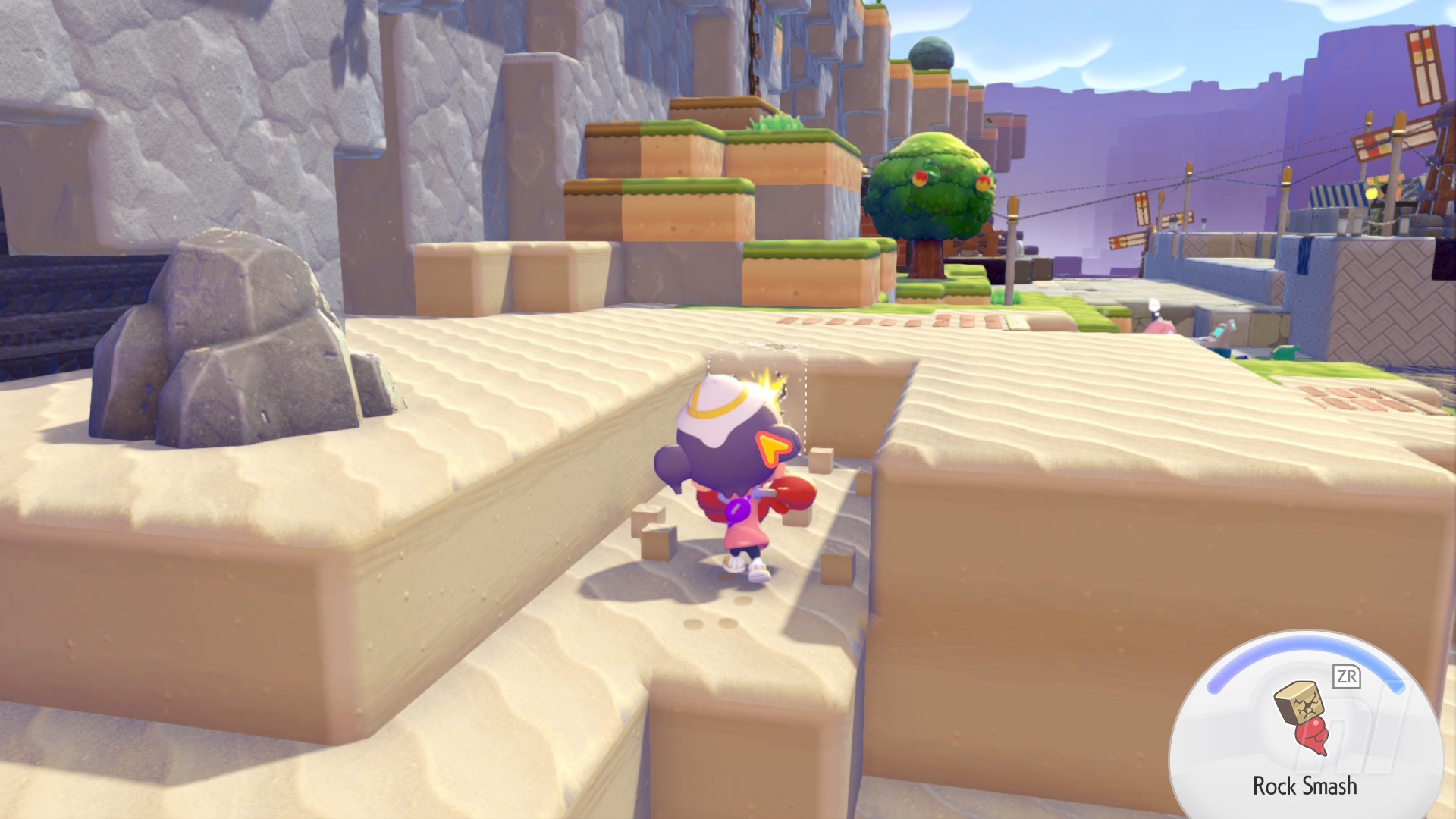
Rock Smash is the only Transformation you can use in Mouse Mode, however, so if you want do water or pull up some grass, just life the Joy-Con 2 off the table.
No Tandemaus were harmed in the making of the Switch 2! For more help, see our Pokémon Pokopia walkthrough and step-by-step guides for Withered Wasteland, Bleak Beach, Rocky Ridges, and Sparkling Skylands. When it comes to Pokémon, there’s full Pokédex and Habitats, Eeveelutions and Fossil Pokémon lists, plus explainers for Dream Islands, Environment Levels, Food Recipes and Mystery Gifts.