 by
by 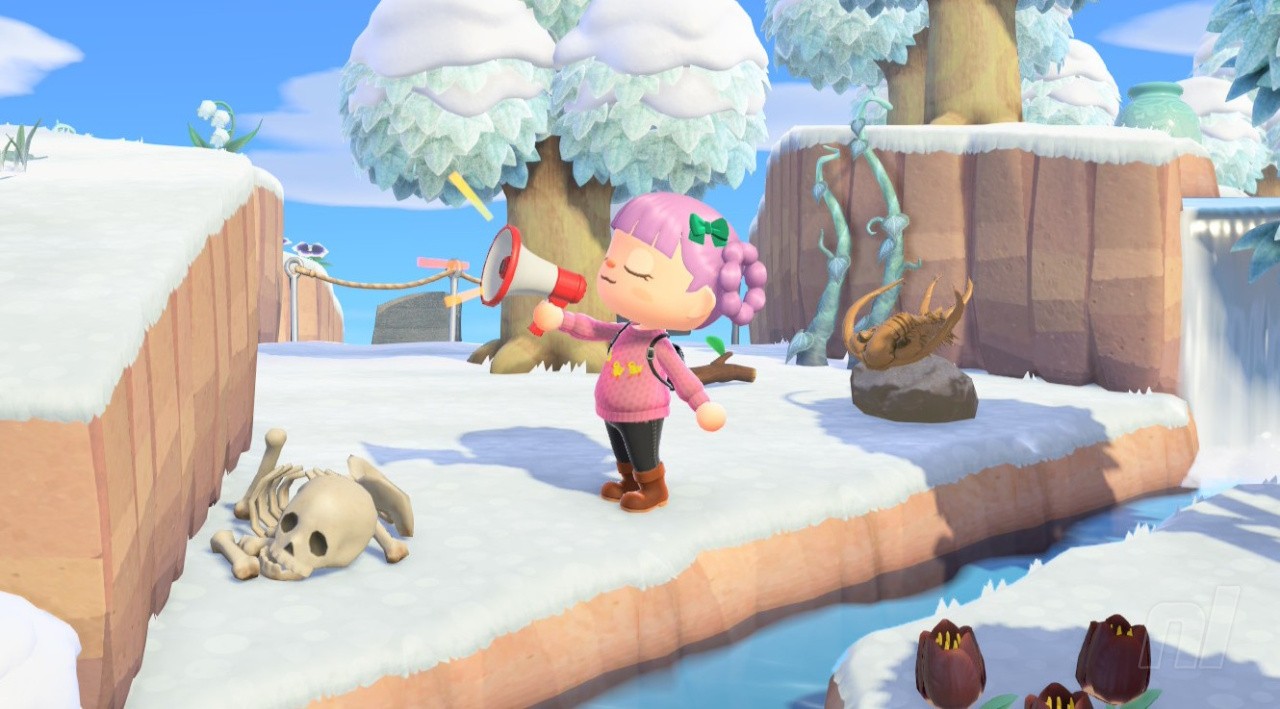
The Megaphone is an item added to Animal Crossing: New Horizons - Nintendo Switch 2 Edition. Returning from New Leaf, it uses the console's exclusive features to help you locate villagers.
This guide covers everything you need to know about the Megaphone, including how to get it, how to use it, and... just how reliable it really is.
Subscribe to Nintendo Life on YouTube852k
Megaphone Guide - Animal Crossing: New Horizons - Nintendo Switch 2 Edition
Where to get the Megaphone tool
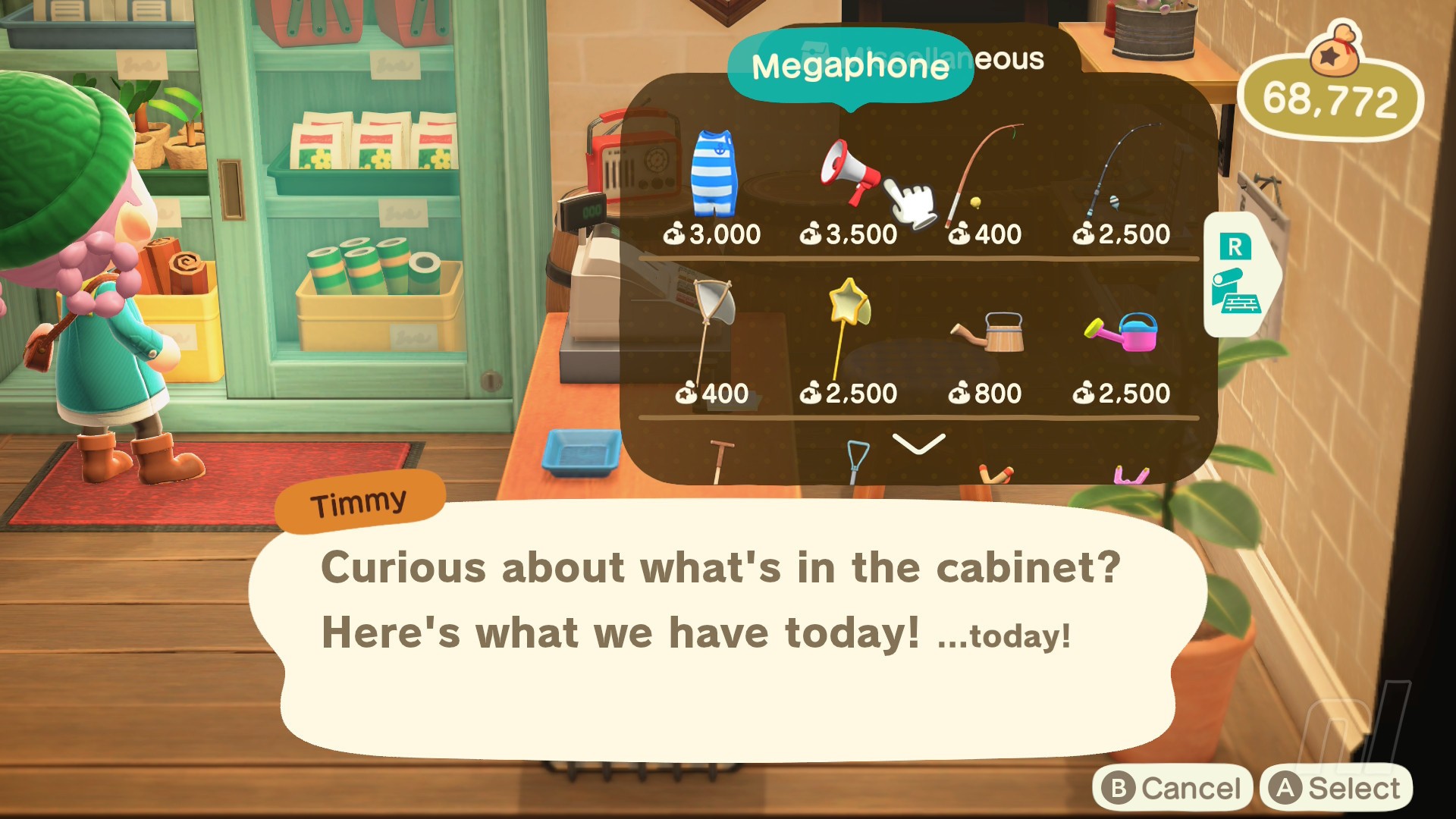
The Megaphone can be bought from Nook's Cranny for 3,500 Bells, inside the cabinet where all the other tools are stored. We have the upgraded store, so we're not sure if it's available earlier. And unlike other tools, the Megaphone won't break, so you only ever need to buy one.
We've only spotted it in the store as of the Nintendo Switch 2 Edition's release — which makes sense given that the Switch 1 doesn't have a microphone.
Make sure you've fully updated your game to version 3.0 and own the Nintendo Switch 2 Edition (you'll know if the banner appears below the title screen and you have a leaf icon with a 2 next to it in the top right-hand corner).
Note that the Megaphone is different from the seasonal Cheer Megaphone, which is only available via Nook Shopping’s Seasonal tab.
What does the Megaphone do?
Just as it did in New Leaf, the Megaphone's sole purpose is to find out where one of your villagers is on your island.
Using the Switch 2's microphone, you can find out where a villager (or visitor) is by holding up the microphone and saying their name out loud. The success rate is... limited, let's say. But when it works, it's helpful, especially if you're looking for travelling NPCs like Saharah or Flick.
Who you can call
- Any island resident not inside their house
- Permanent NPCs such as Kapp'n
- Visiting NPCs who move like Saharah, C.J., Flick, Daisy Mae, and Celeste
- Tourists visiting the Hotel who are exploring the island
How to use the Megaphone
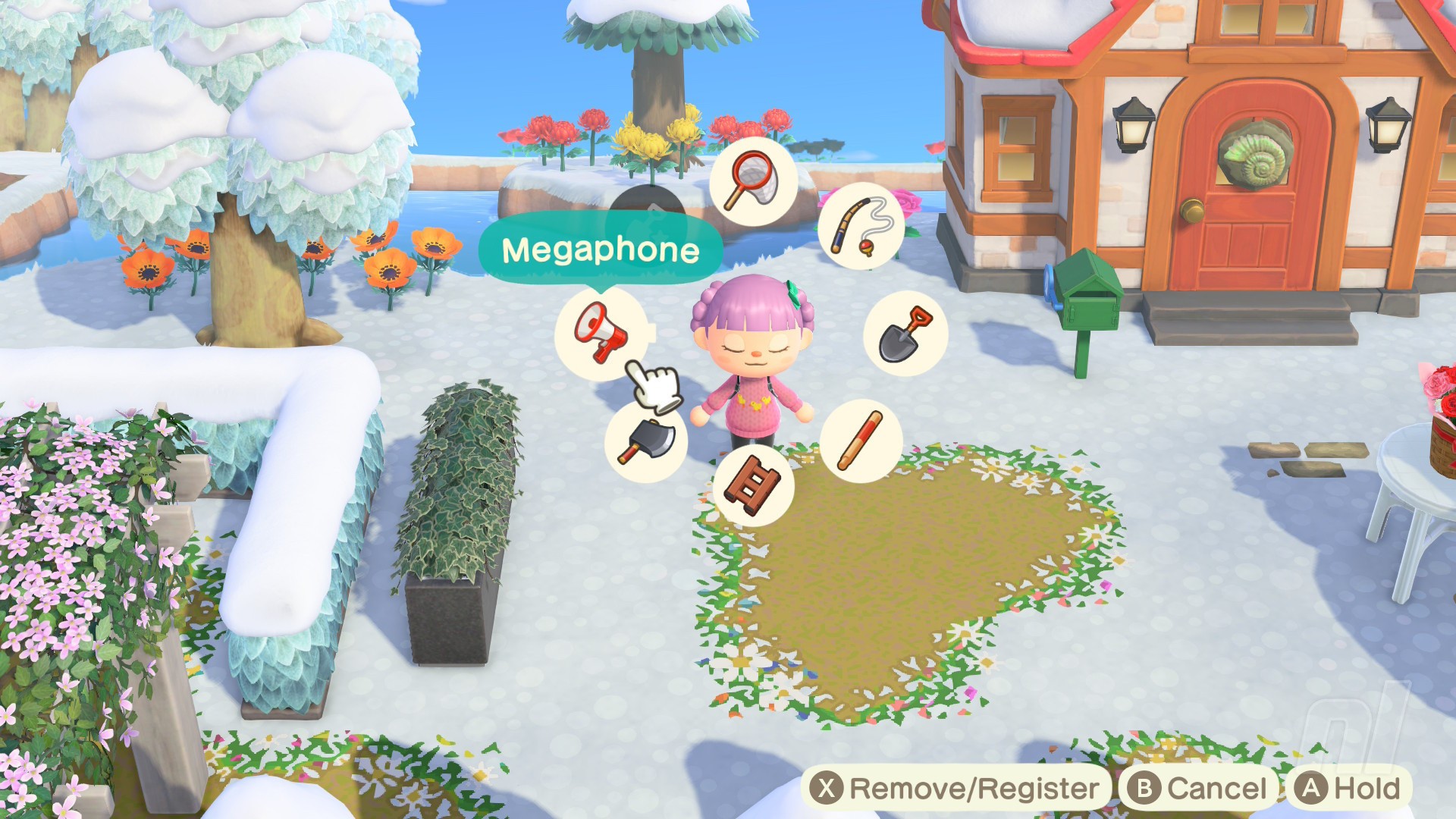
Now this is the easy part. Make sure you're holding the Megaphone in your hand — you can access it via your pockets or the Tool Ring
Then, hold down the 'A' button to bring the Megaphone up and say the name out loud — for example, Bob, Wendy, Raymond, Tangy, Rosie, C.J., etc.
You'll know if you're successful if a speech bubble pops up, indicating which direction your resident is in.
It may take a few goes depending on your voice and who is on your island (Kyle and Coco were interchangeable for us, and Bunnie — a tourist — would respond to Wendy, but Wendy never responded to her own name).
Shout it from the rooftops — AC:NH is great! But if you're feeling overwhelmed by the new update and Switch 2 additions, then head to our Animal Crossing: New Horizons walkthrough hub for all the tips and tricks you need.


Comments 1
Can this wake up Gulliver/arr?
Show Comments
Leave A Comment
Hold on there, you need to login to post a comment...