 by
by 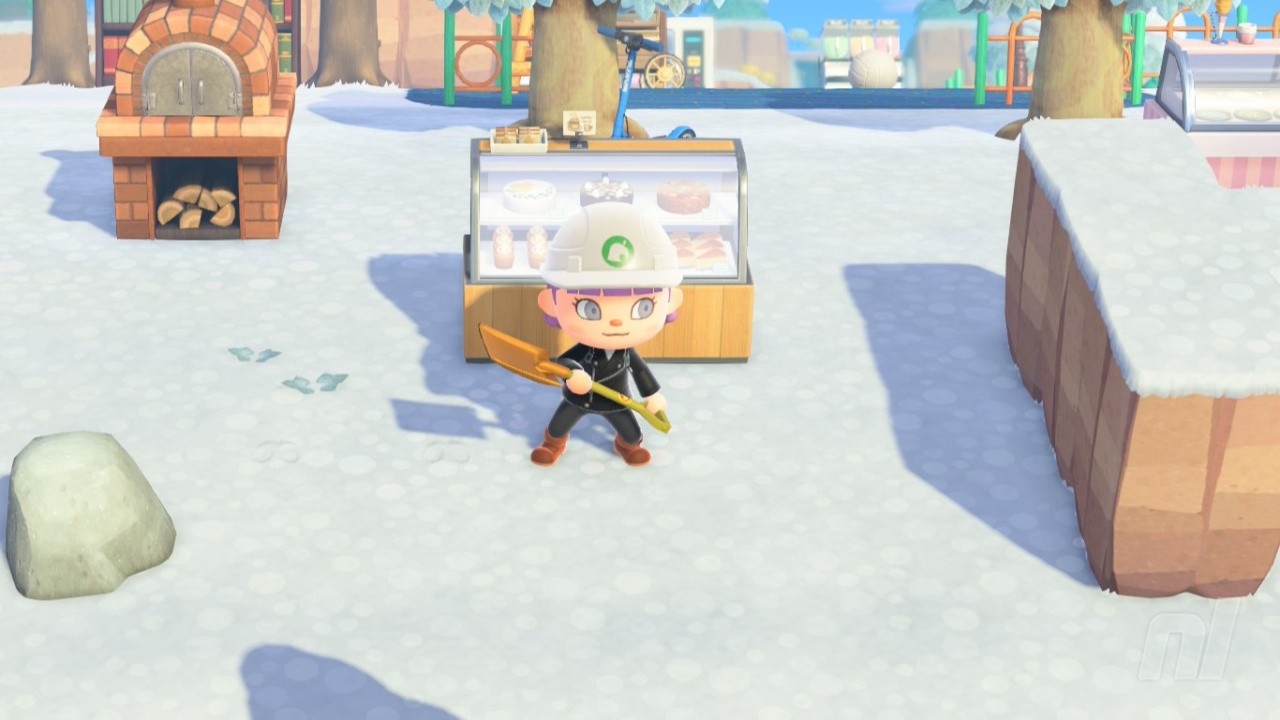
Animal Crossing: New Horizons' 3.0 update has a few surprises tucked away, one of those being a brand new movement option — strafing.
Available when you're terraforming and when you're not, this makes decorating your island, planting flowers, and tidying much easier. Here's how to make the most of strafing as of the brand new update.
How to Strafe - Animal Crossing: New Horizons
As long as your game is updated to version 3.0, you'll be able to hop, strafe left and right, and move forwards and backwards with the simple press of the 'L' button.
Pressing L will cause your character to lock onto the spot they're standing on and hop. Hold down the button and then press up, down, left, or right to move in those cardinal directions.
Subscribe to Nintendo Life on YouTube852k
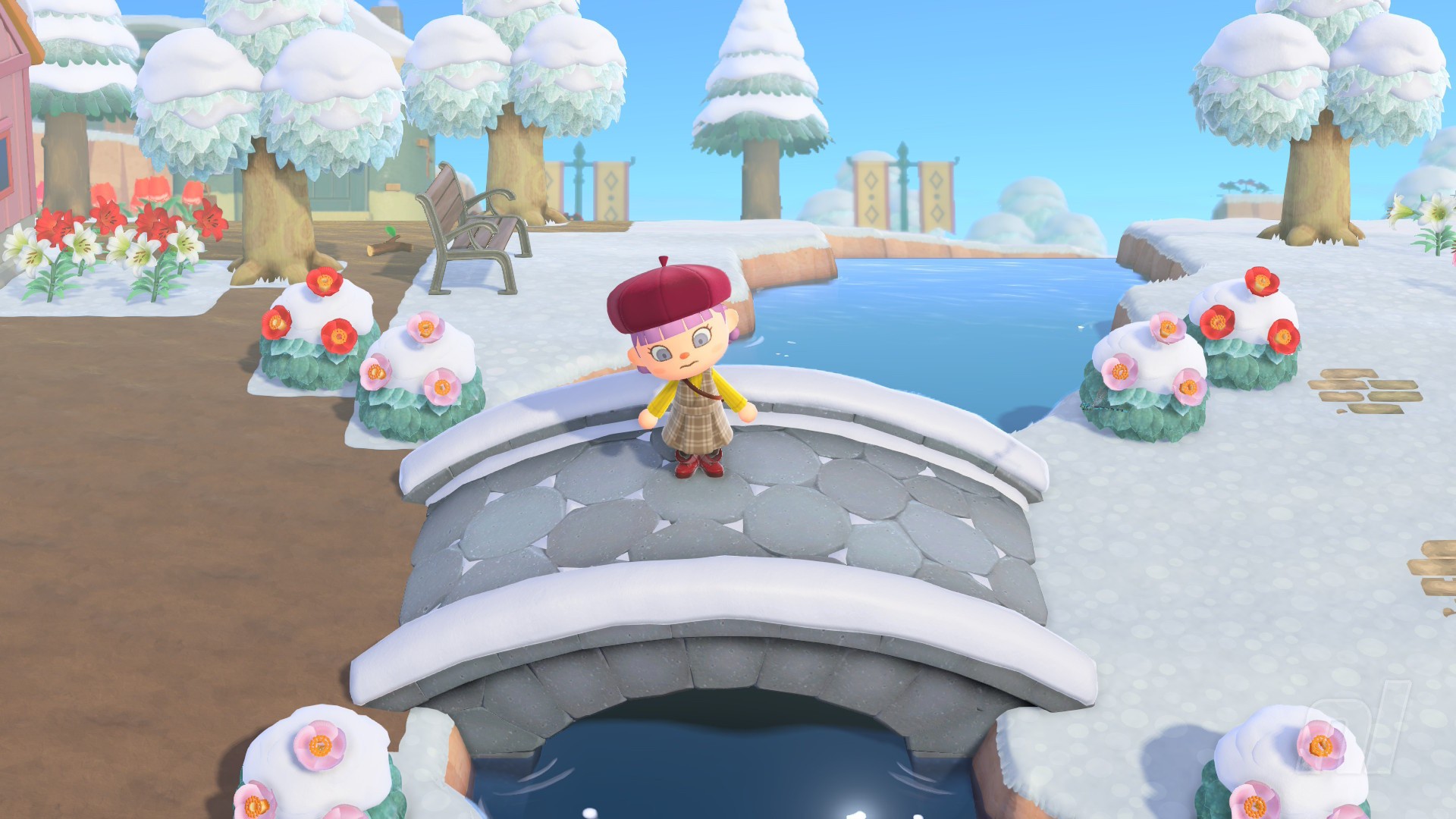
You can't do this on bridges or up inclines, but it's great on flat surfaces and helps if you want to build fences, plant flowers and bushes, or place furniture down in a particular spot.
Easier Terraforming with Strafing
While it might be fun to strafe across your island, it actually has a very specific use — terraforming. This is not just limited to your Slumber Island — you can use it on your home island, too.
The first time you load up your Island Designer app after downloading the 2.0 update, you'll be given a brief tutorial on how this works, along with step-by-step instructions on how to marry movement and design together. It's all very simple.
Because strafing allows you to move in cardinal directions one tile at a time, it means you can create straight lines, corners, and even shape cliffs and rivers much more easily.
It's also much better for laying pathways for the same reason — no accidental slip-ups because you know exactly what tile you'll be painting your dirt paths on now.