 by
by 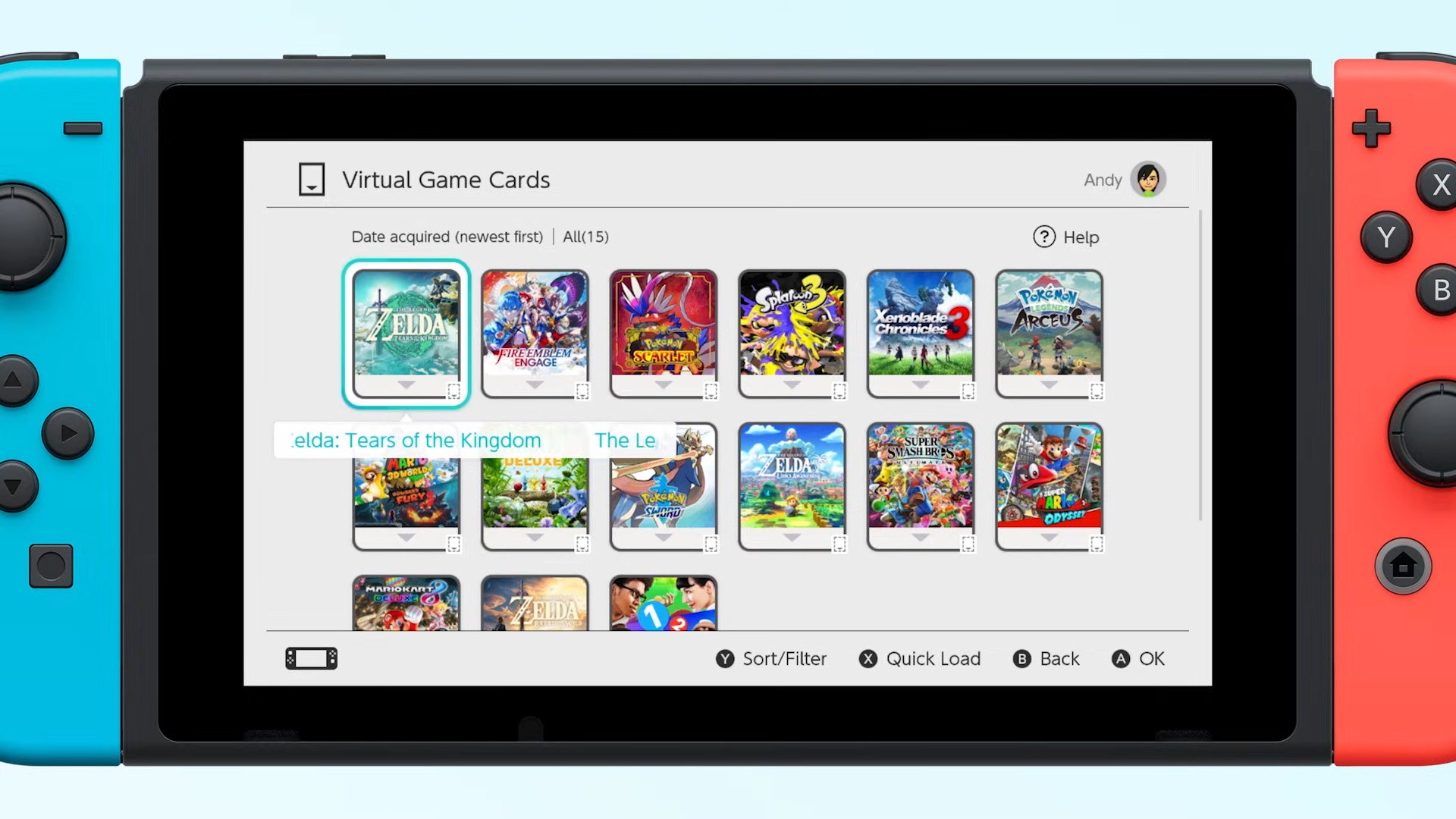
Now, as we all know, sometimes Nintendo is gonna Nintendo. You know what we mean. It likes to do things its own way, does the Big N, and so it goes with the Switch 1 & 2, their game-sharing capabilities, Virtual Cards and all that good stuff.
Given how confusing all this can get, it's easy to get frustrated when all you want to do is play Super Mario Bros. Wonder on your Switch and a family member currently has it on theirs.
In this regard , there's a clip making the rounds on social media (some strong language here, so watch at your discretion) which runs into a similar problem — one Switch is in storage, but the other, the one Solidrev is trying to use, can't play a game because the Virtual Card is loaded on the stored device.
Subscribe to Nintendo Life on YouTube846k
So, we thought we'd make a very specific little PSA in the here and now. We do have a guide on just how to do this on the console itself, but here's a little reminder so the frustration can be completely avoided in future!
Rather than go looking in storage, the attic, a bin, or what have you for an old or unused Switch to transfer games between consoles (as is the situation being shown in the video), you can instead simply remove said Switch entirely from your online account, thus taking away the need to get frustrated by not being able to shift a Virtual Card from one console to the other.
Rather than deregistering from a console (because we don't have access to it in this scenario), you just need to log into your account over at the official Nintendo website, then scroll down to where you can see all of your currently registered Switch consoles on the main page, as shown above. (You may need to click on Nintendo Account Overview on the main page).
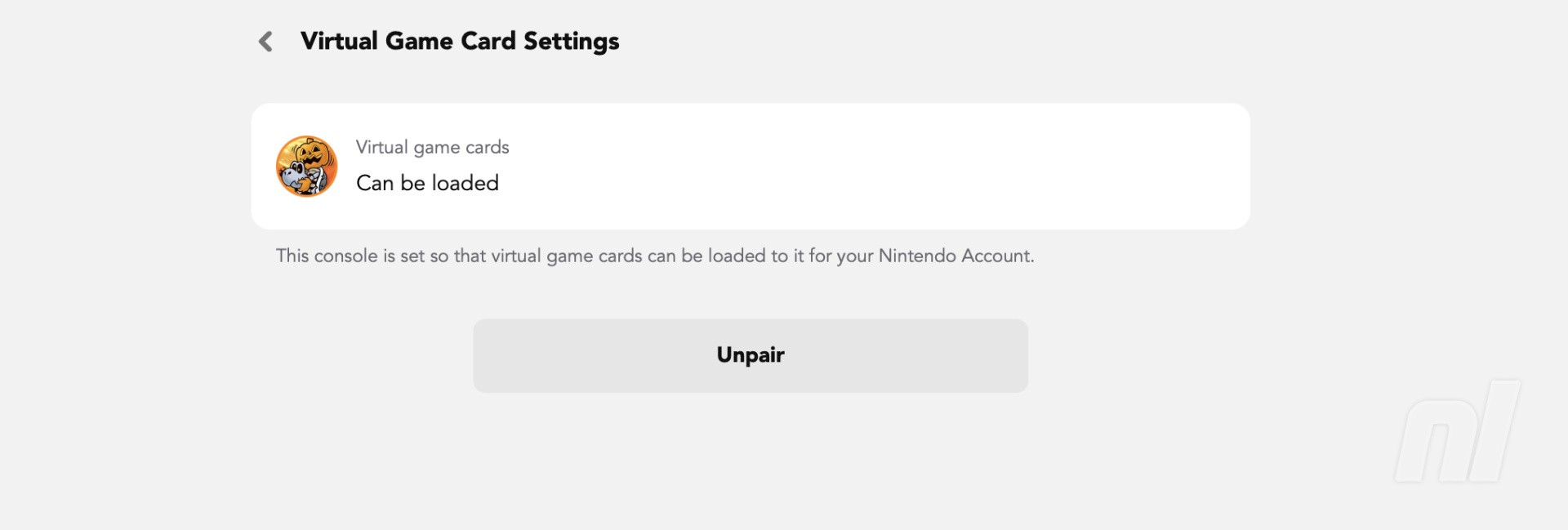
Head into the "Consoles" section here and choose the system you need to deregister, and then unpair it in the Virtual Card section that appears. Simple!
You can turn on Online License Settings, which is located in the User section of the System Settings. But that will require you to be online to play those games.
Now you don't need to climb into your neighbour's house and take it back from that time they "borrowed" it for a go on Kirby Air Riders. Everyone's a winner!
Have you had any issues with the same sort of situation on Switch? Got any other handy tips while we're here? Make sure to let us know!