 by
by 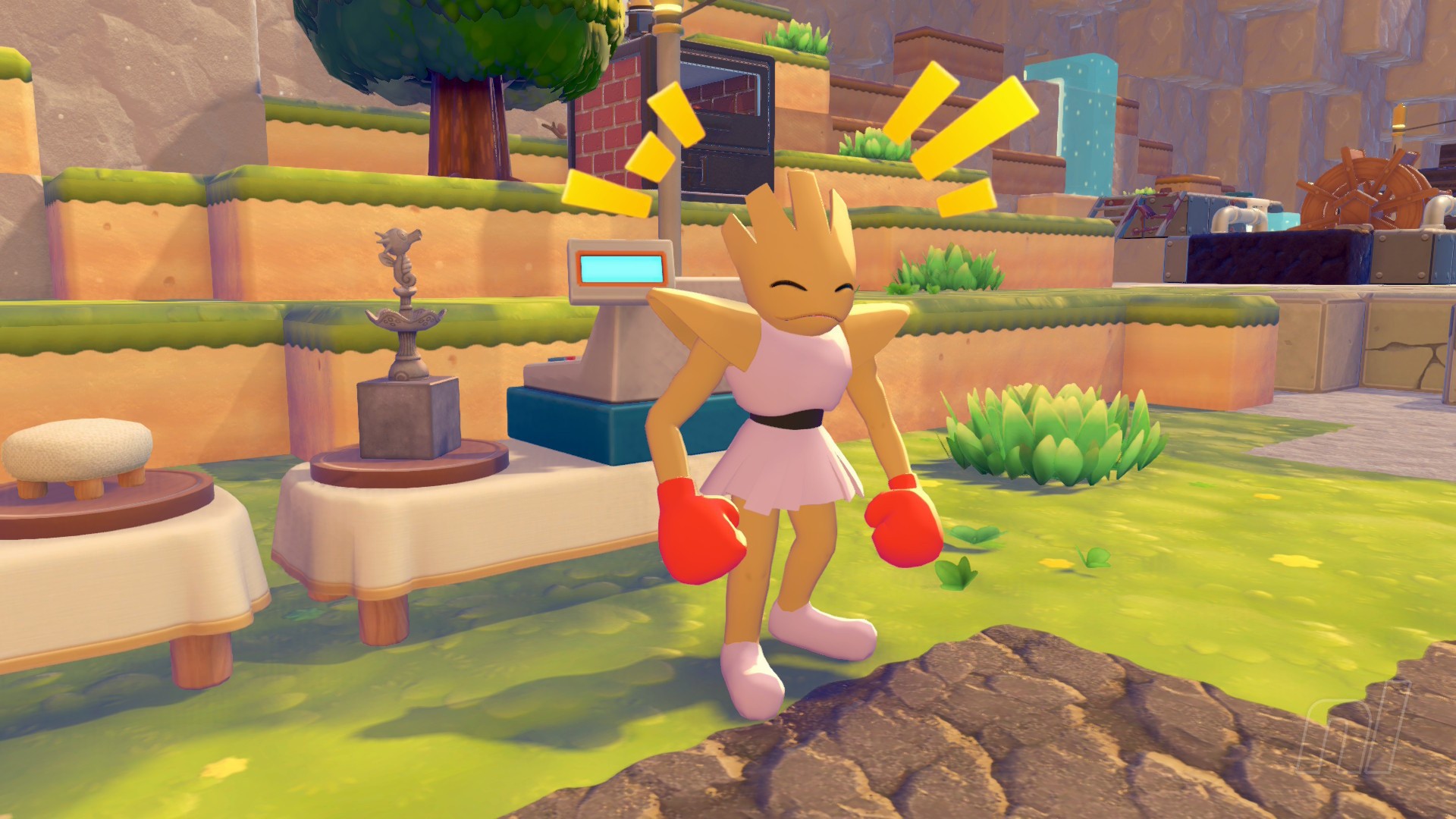
You'll need to buy items and furniture a few times in Pokémon Pokopia, but you don't need to rely on the Pokémon Center Terminal and the Life Coins you collect. Some Pokémon have the ability to Trade, which means they can run their own shops in each of the towns.
In this guide, we'll tell you how to help set up a shop, how to Trade with Pokémon, how to buy items, and where you can trade.
Subscribe to Nintendo Life on YouTube849k
Trade Guide - How to buy items in Pokémon Pokopia
A quick note here: trading here does not mean trading Pokémon, in case you didn't already guess. A trade means trading goods, like a good ol' fashioned store.
This method also doesn't use the Life Coins you obtain from completing Daily Challenges. So don't worry about running out, because they're not needed!
How to Trade with Pokémon
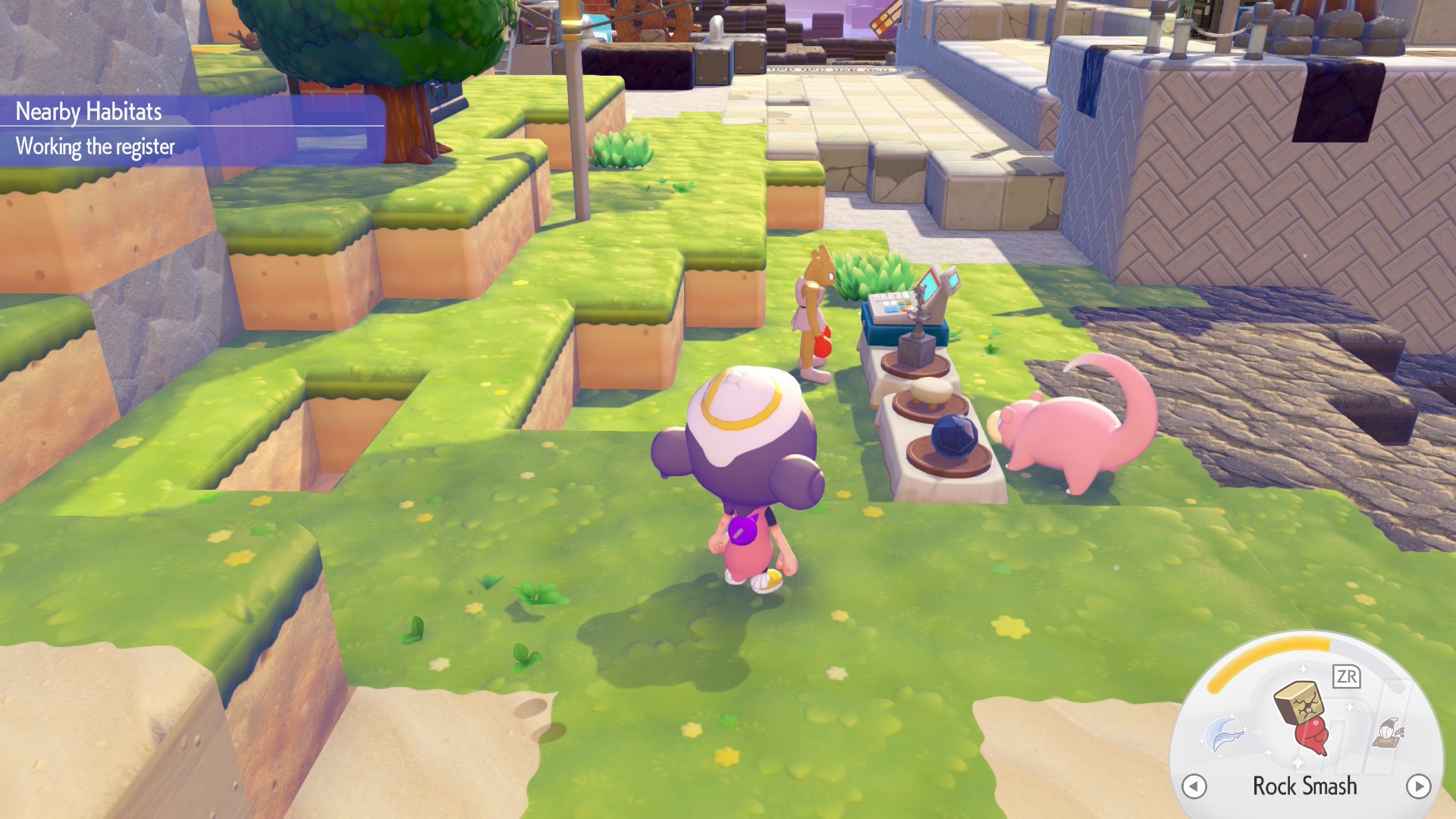
You can't just expect Pokémon to sell their goods as they're wandering around; they need somewhere to set up shop! And that's your first job.
So, you'll need to put down some tables, a Cash Register, and make sure there's power close by. That means you need to know how to generate electricity, so you'll probably need to do part of the Bleak Beach story first.
There's a handy generator in the back of the Withered Wastelands area, or you can construct your own. Then make sure you have some Utility Poles or Wireless Power Transmitters to connect the Cash Register to the generator.
Ideally, put two long tables down, and then place the Cash Register on top of the table. And ta-dah! That's your sales desk.
Now, when a Pokémon with the Trade Specialty comes along, they'll display some goods and you can buy them from them with goods.
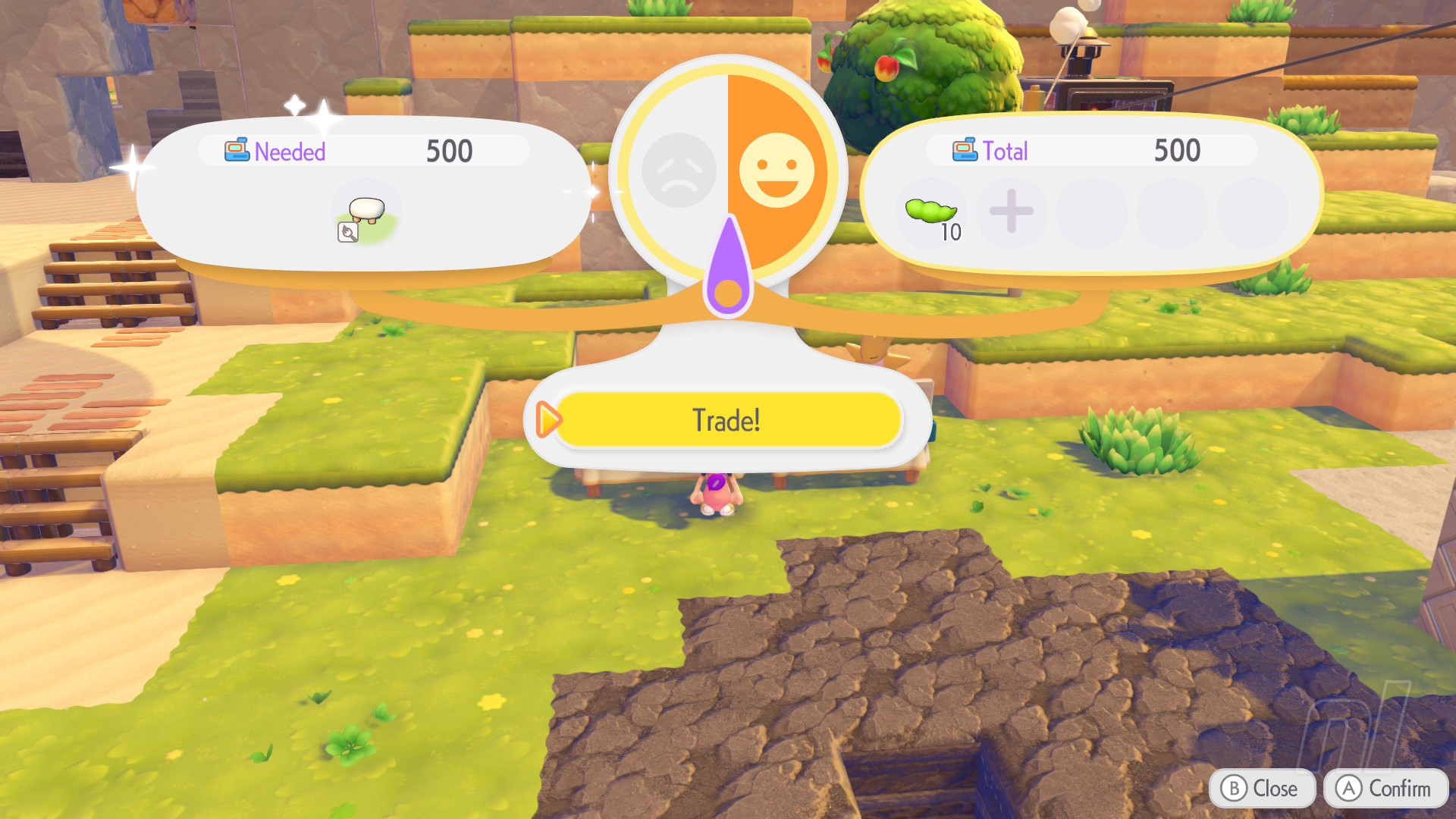
Yep, instead of Life Coins, you'll be using anything in your inventory, and each item has a different "value". Basically, most "block" items are worth 10, while honey and vegetables are worth 50. Items you've made are worth a lot more, so keep that in mind.
All you need to do is match the value of the item you want to buy, as show in the image above. You don't need to go over, just hit the number exactly.
And then that's it. You're now the proud owner of... well, whatever you bought!
How to Trade at the Pokémon Center
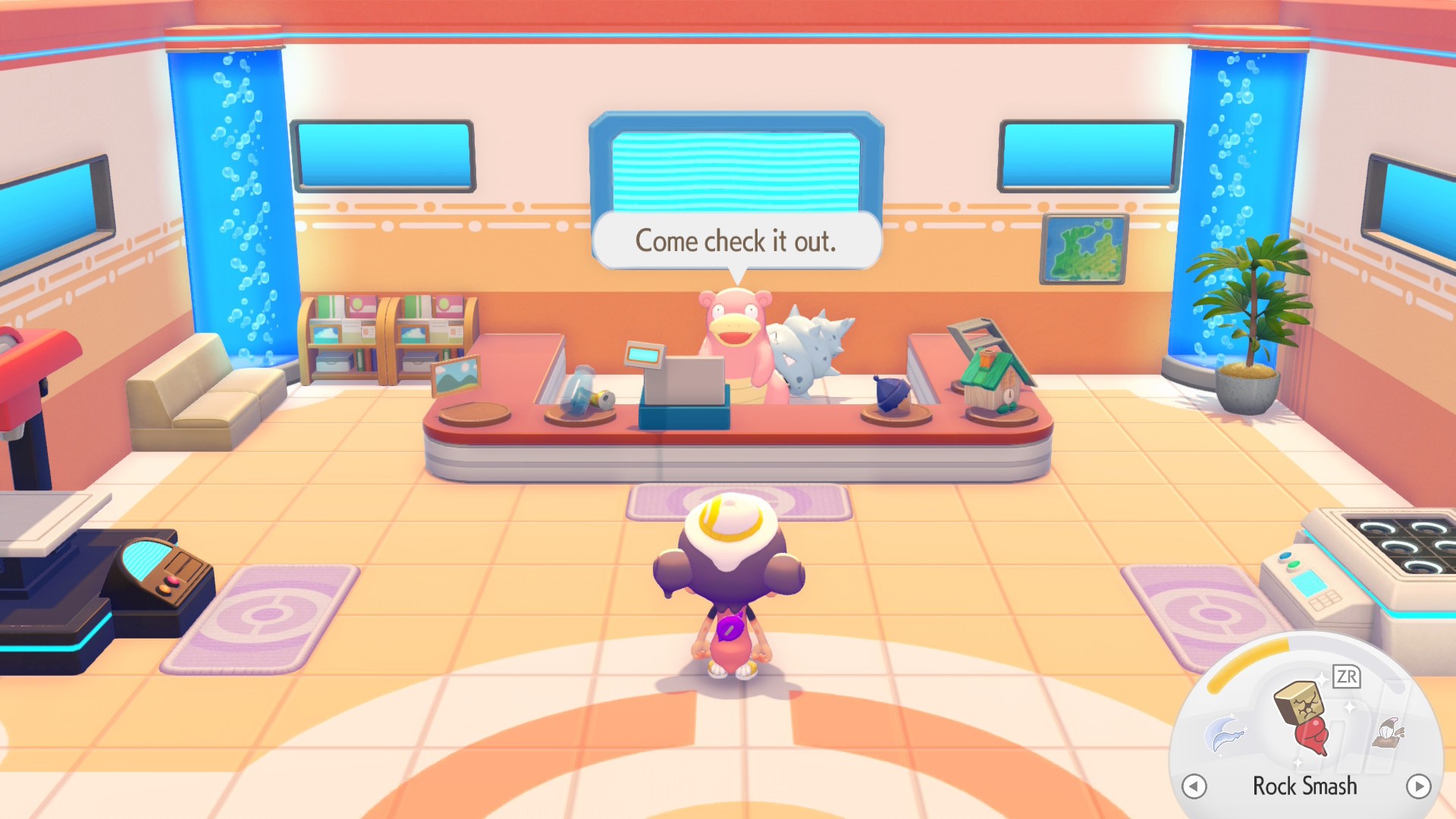
There's a second way you can buy goods in Pokémon Pokopia: by rebuilding any given biome's Pokémon Center. This can be done as soon as you're able to buy the Rebuilding Kit at the Pokémon Center terminal.
Remember, rebuilding the Pokémon Center will take a day (aka, it'll be ready the very next day, so not 24 hours).
Once you've finished rebuilding, head inside and you'll see there's a Cash Register on the desk where Nurse Joy would usually be standing. It'll likely be empty the first time you head in there, but bring a Pokémon with the Trade Specialty inside (or let them wander in themselves) and they'll take up the cashier job and stock up on items.
Like at a normal Cash Register, you'll trade using your goods and materials.
Note: When there's a limited-time event going on, you'll also be able to trade for Event Items using special collectibles only available during that period.
Pokémon with the Trade Specialty
Early on, there aren't many Pokémon you can trade with. But we have a list of a few early-game 'mons from the first two biomes that will happily part with their goods at the store:
- Hitmonlee
- Hitmonchan
- Hitmontop
- Slowbro
- Hoothoot
- Gastrodon
- Meowth
- Happiny
- Zorua
No need to trade information with us — we have everything you need right over in our Pokémon Pokopia walkthrough hub. Head on there for guides on the story, on building, and on transformations and other specialties.