
Pokémon Pokopia is a Pokémon game unlike any other. Blending Dragon Quest Builders, Animal Crossing, Viva Piñata, and all sorts of cosy life sim snippets, Pokopia is stuffed full of things to do that it can get quite overwhelming quite quickly.
So to stop you from getting buried under the blocks, we've put together this handy guide that should give you an idea of what to focus on for the first few hours of the game. From focusing on increasing your storage and PP to grabbing berries whenever you can, these are the best Beginner's Tips that will be essential for your entire Pokémon Pokopia journey.
16 Tips to get you started in Pokémon Pokopia
Stock up on Leppa Berries and Carrots
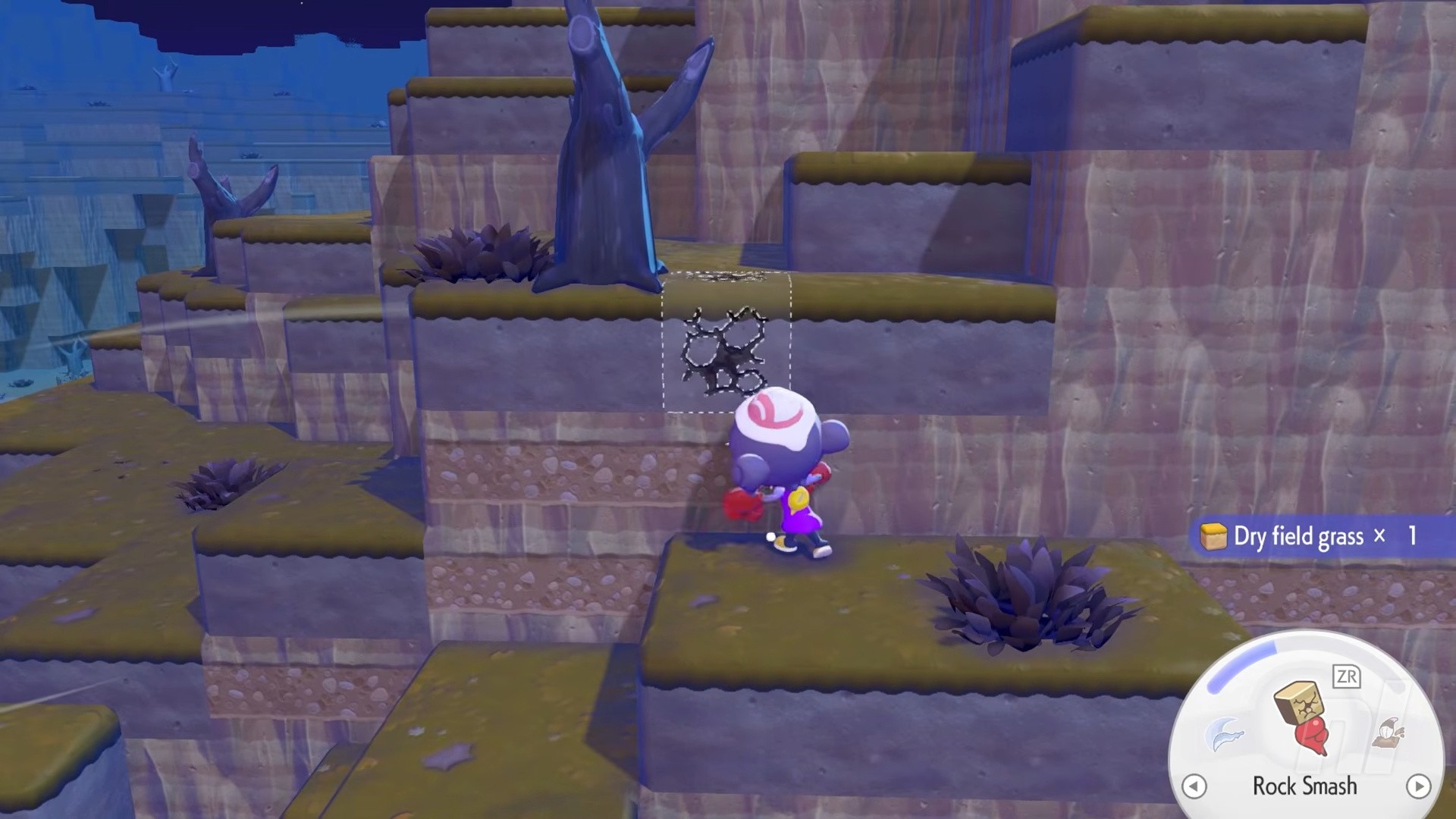
In the early hours of the game, food variety is pretty limited — that includes berries. And eating berries (or any food) will restore PP, which is basically your energy meter.
So, shake a few trees and carry some berries with you throughout Withered Wasteland (and the later areas), because if you're obsessively crafting the perfect paradise with all your Transformations, then you're bound to run out of energy at some point. Eventually you'll get better ways of restoring energy via Cooking, but early on, berries are your friend.
Carrots are even better than berries, and you'll occasionally get these by pulling up the leaves sticking out of the ground.
Change your Control and Camera settings
For some reason, Pokopia's default camera settings have you very close to your Ditto. You definitely need to give them some personal space — especially because you'll want to see as much as you can while exploring.
So, head into the settings as soon as you can and change the Camera Distance to 'Far', or whatever your preference is.
You can also remap your controls if you wish on the settings menu too.
Buy Packing Tips and PP Up first
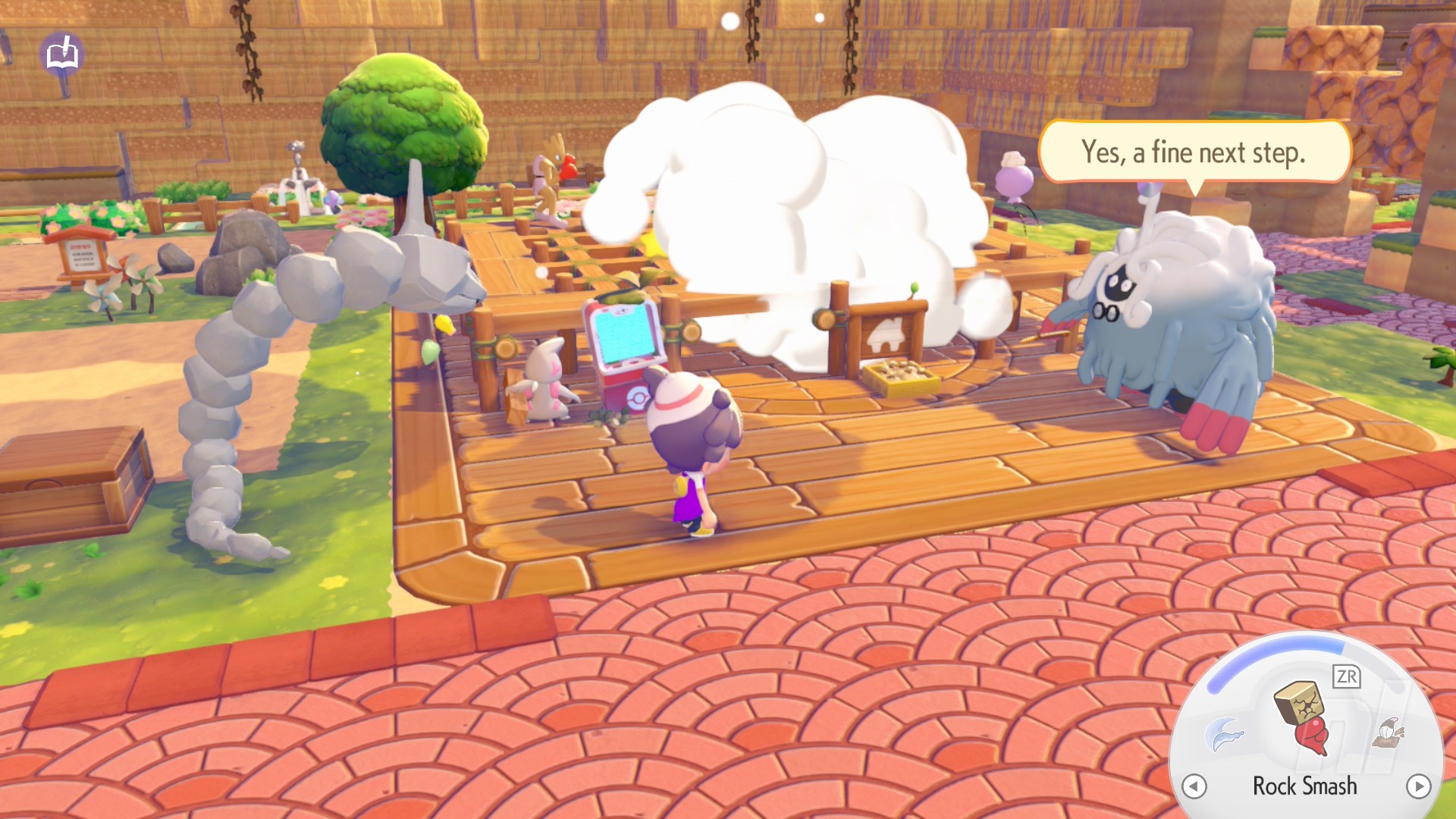
When you start levelling up the Withered Wasteland's Environment Level, you'll see that the Pokémon Center's store expands its range of wares. Now, you might be tempted to buy a few new recipes or items, but hold off initially and instead save up for the Packing Tips and PP Up items.
You'll get one of these each per area and they're absolutely necessary for progression as they increase the size of your inventory and your energy meter, respectively. Meaning you can spend more time breaking stuff down and rebuilding and stuff your pockets full of stuff.
Do the Daily Challenges
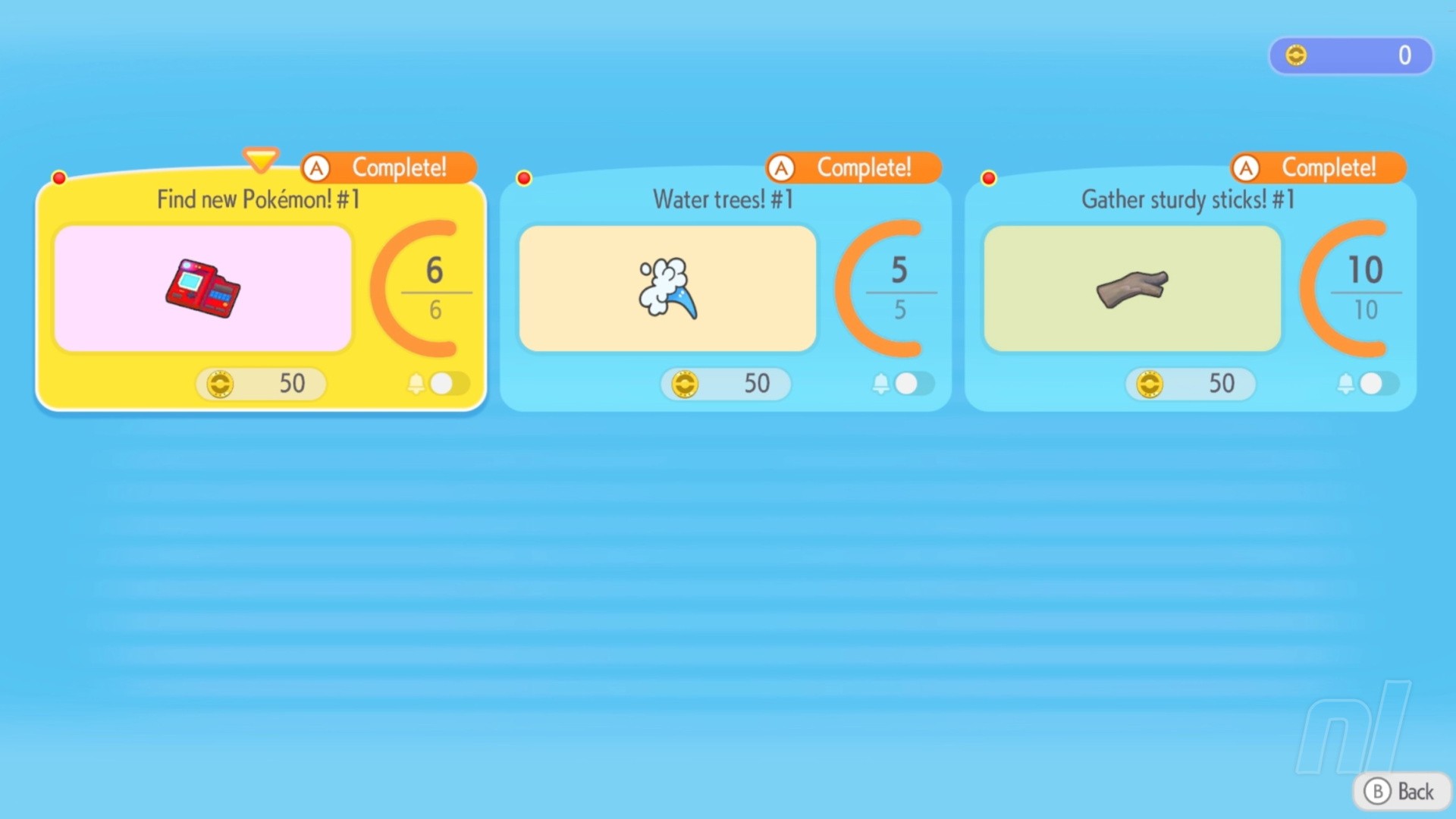
Every day, you'll get a new set of Daily Challenges at the Pokémon Center Terminal. These reset every 24 hours, and you should make a habit of checking the PC and doing them every single day.
In fact, you should be monitoring your challenges anyway so you can build up Life Coins for more recipes and furniture. Plus, there's a set of Daily Items that also changes in the store every day. Stay consistent and you'll be rewarded nicely.
Build storage chests
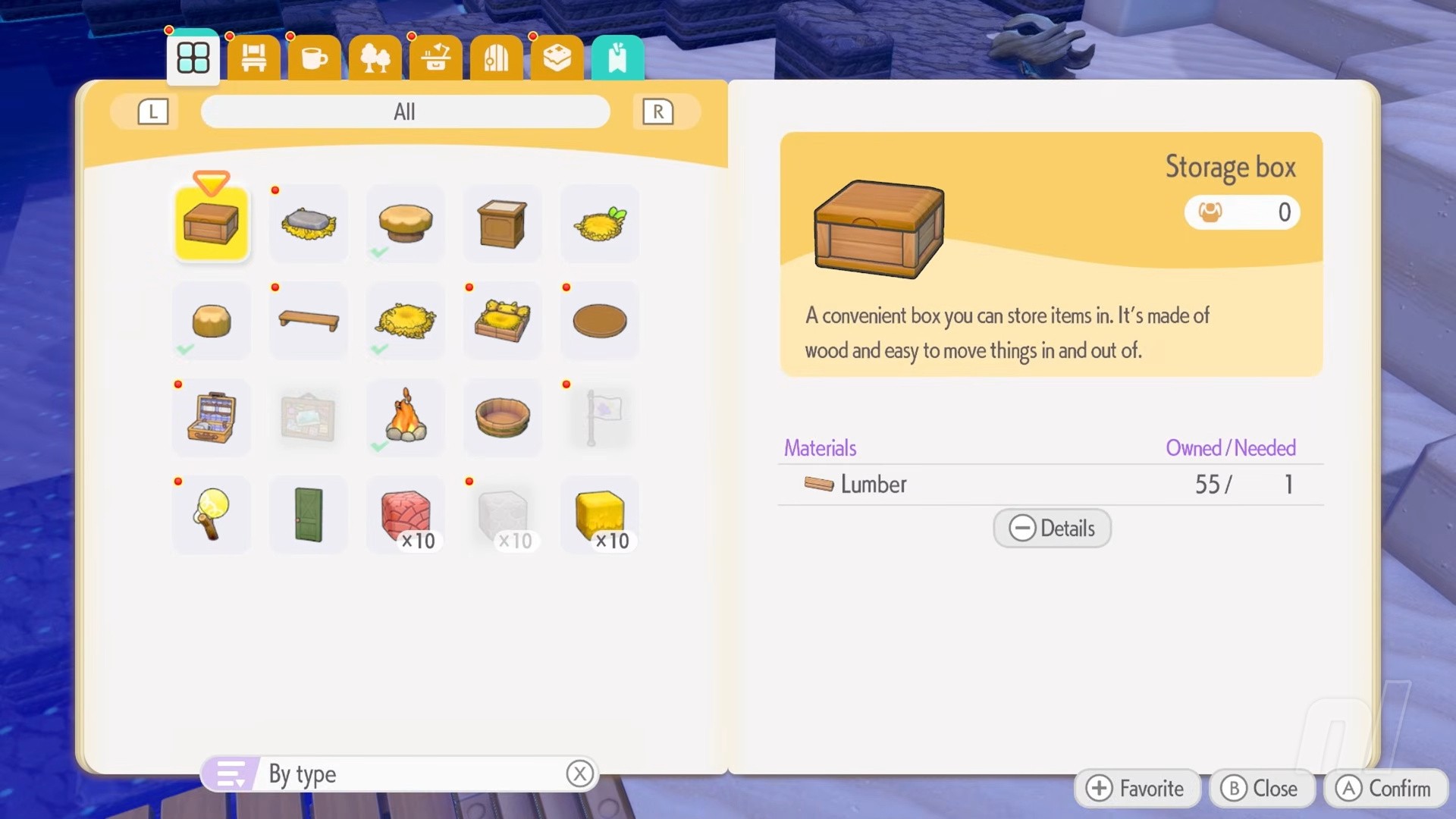
In the Withered Wasteland, you'll spot a storage chest right next to the abandoned Pokémon Center and, eventually, you'll get a recipe on how to make these handy boxes. And you're going to need them.
It's worth having a couple of these ready for when you start each new area, because you'll accumulate stuff fast if you're a curious explorer. Try to make it so you put materials in one chest, decoration in another, etc.
You do get a recipe for a bigger box later on in the game, too, so you'll have even more space. Don't worry, it fills up just as quickly.
Put storage next to a crafting bench
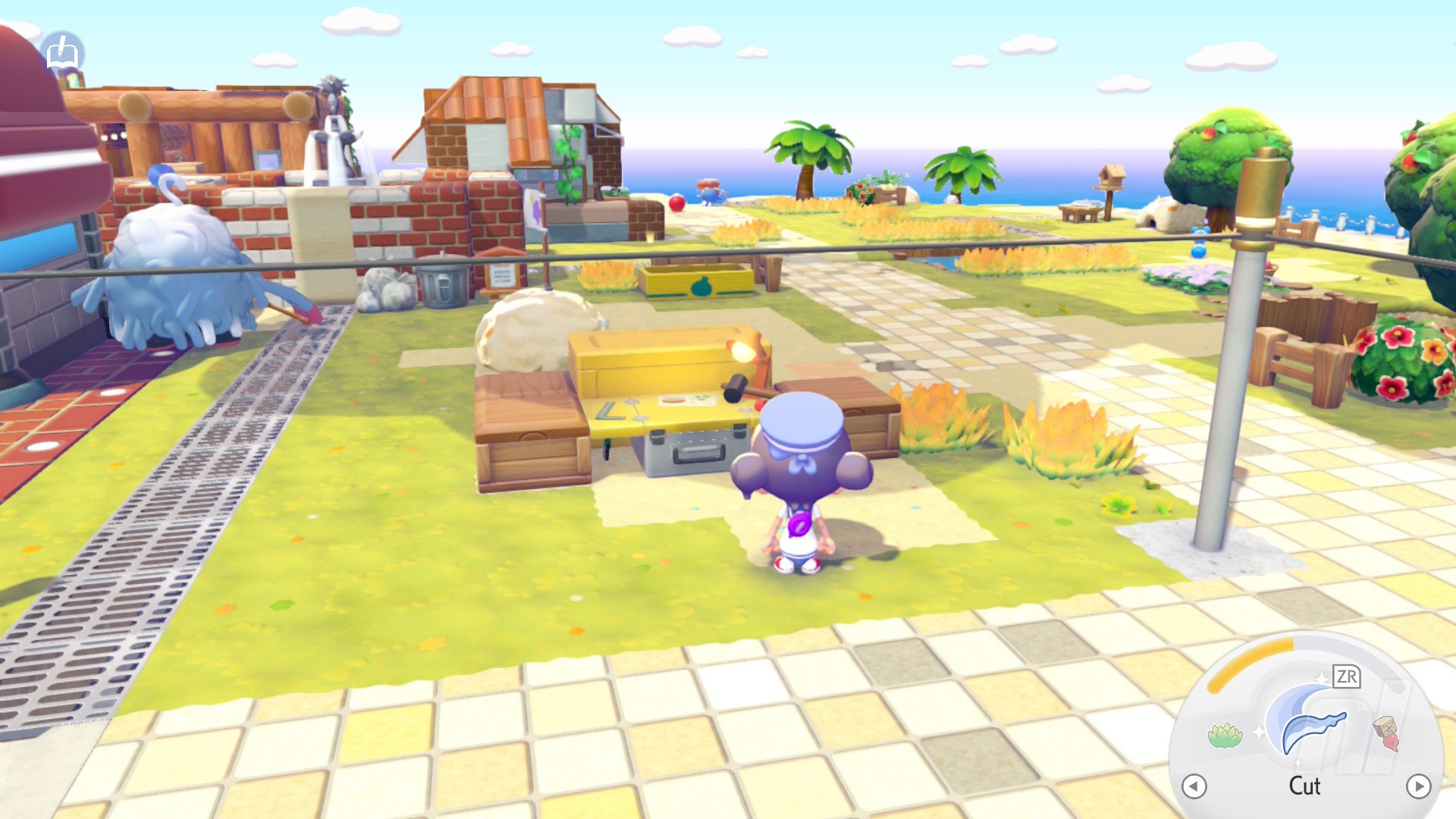
Here's a little tip the game tells you, but it's easy to forget: put your storage boxes containing materials next to any crafting bench, and it'll pick up the materials from those boxes automatically.
It'll only work on boxes right next to the bench, but it still means you can basically surround the bench with these and stuff them to the brim with items you want to craft with.
Make a central hub
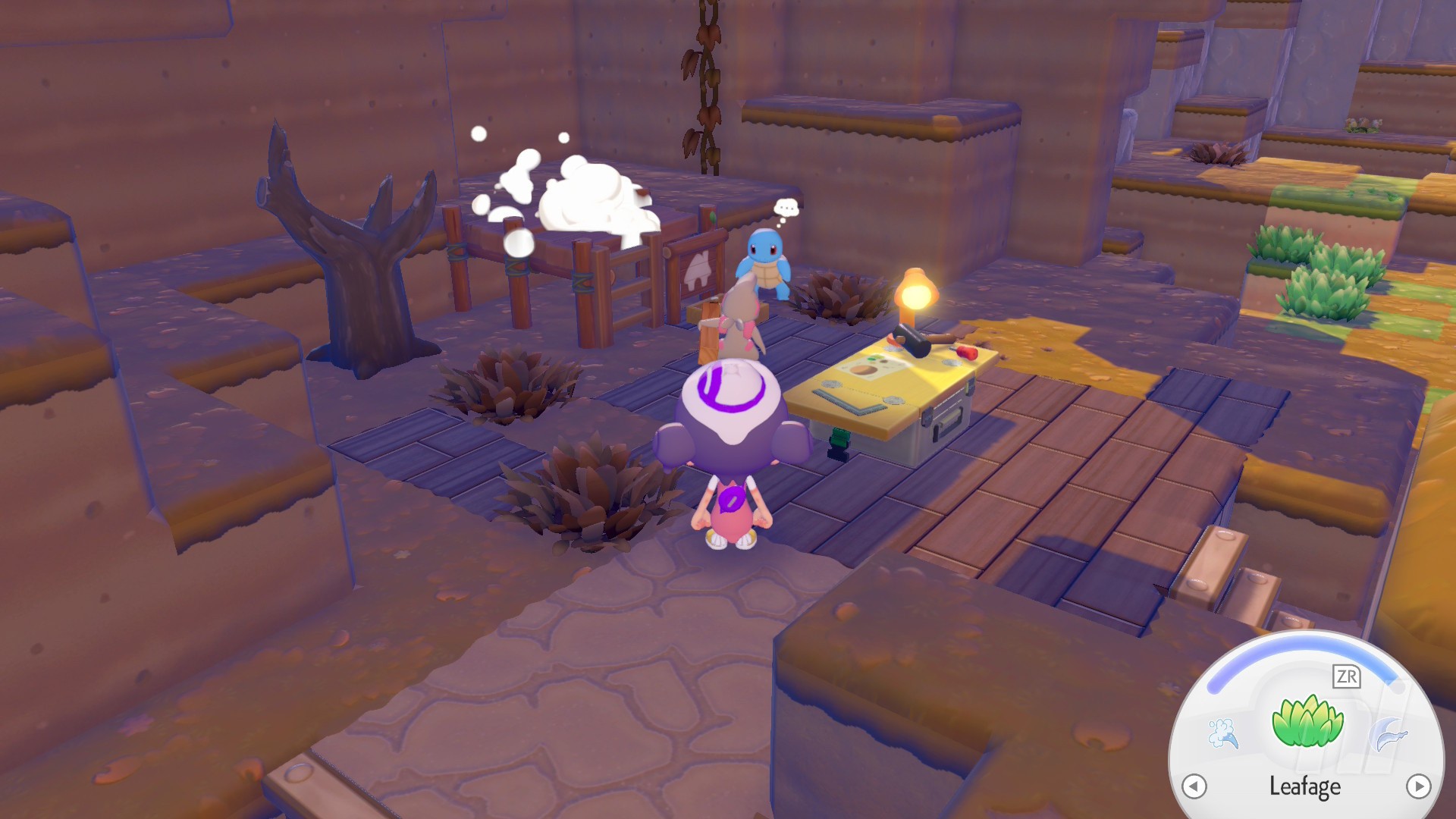
To make progressing the story (and, eventually, decorating each biome) easier, you should put everything important in one central spot. That means your crafting bench, your initial house, any storage you have.
Don't spread yourself out because it'll just make things more confusing. Keep everything close to the Pokémon Center and you'll be set.
Build habitats all the time
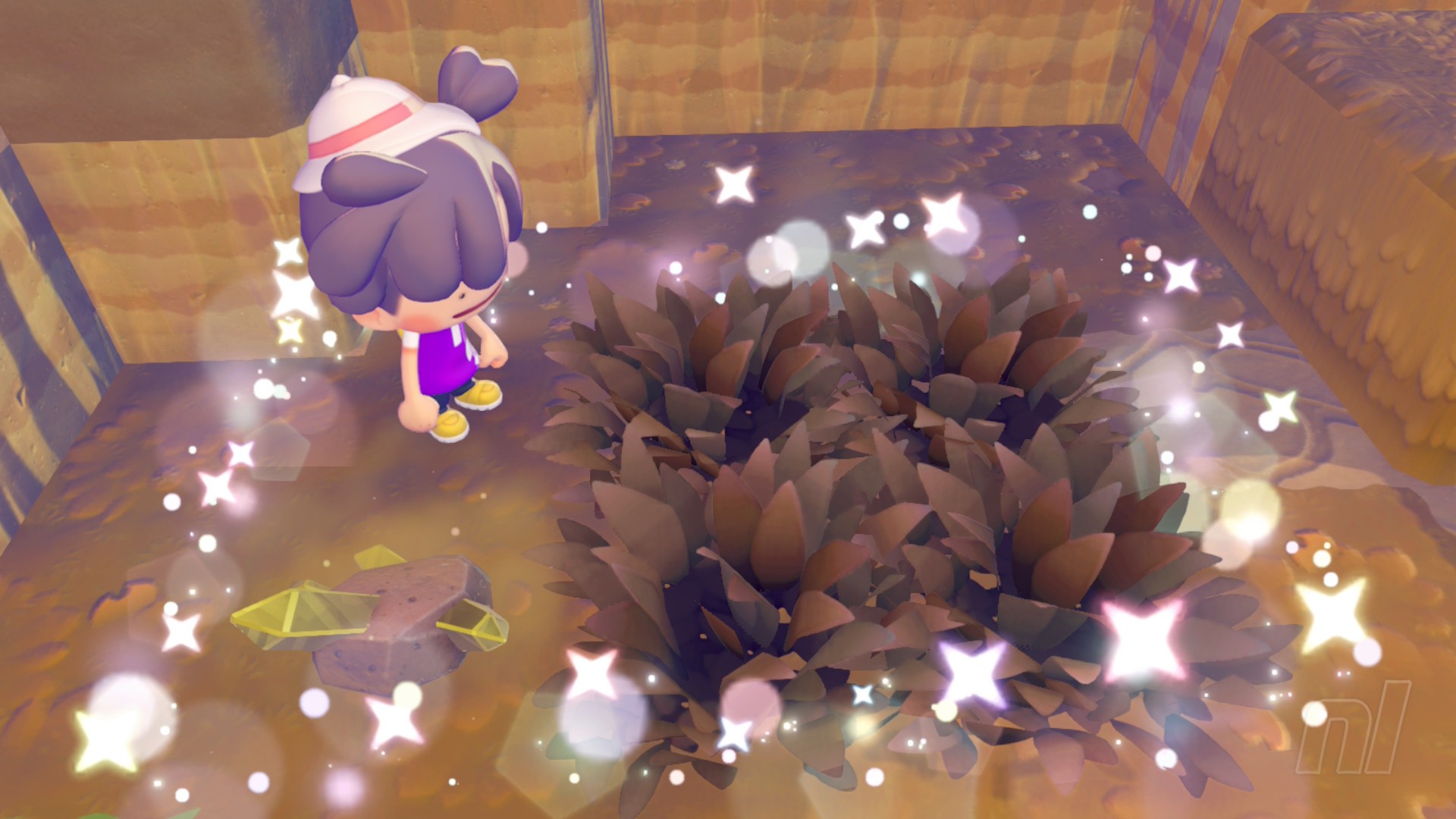
Habitats are so easy to make, especially the ones that require just Grass or Trees or other items that are completely natural in Pokopia. Our advice? Build them constantly. If you see a spot that's free, add some Grass, plant some Flowers, stick a Fishing Rod next to the water. It's worth it to fill out the Pokédex.
Eventually, you'll want to start moving 'mons into houses, because some Pokémon and habits overlap. It's up to you how you handle it. But for the early goings, just keep adding to your environment. And keep checking that Habitat Dex!
Don't stress about comfort levels early
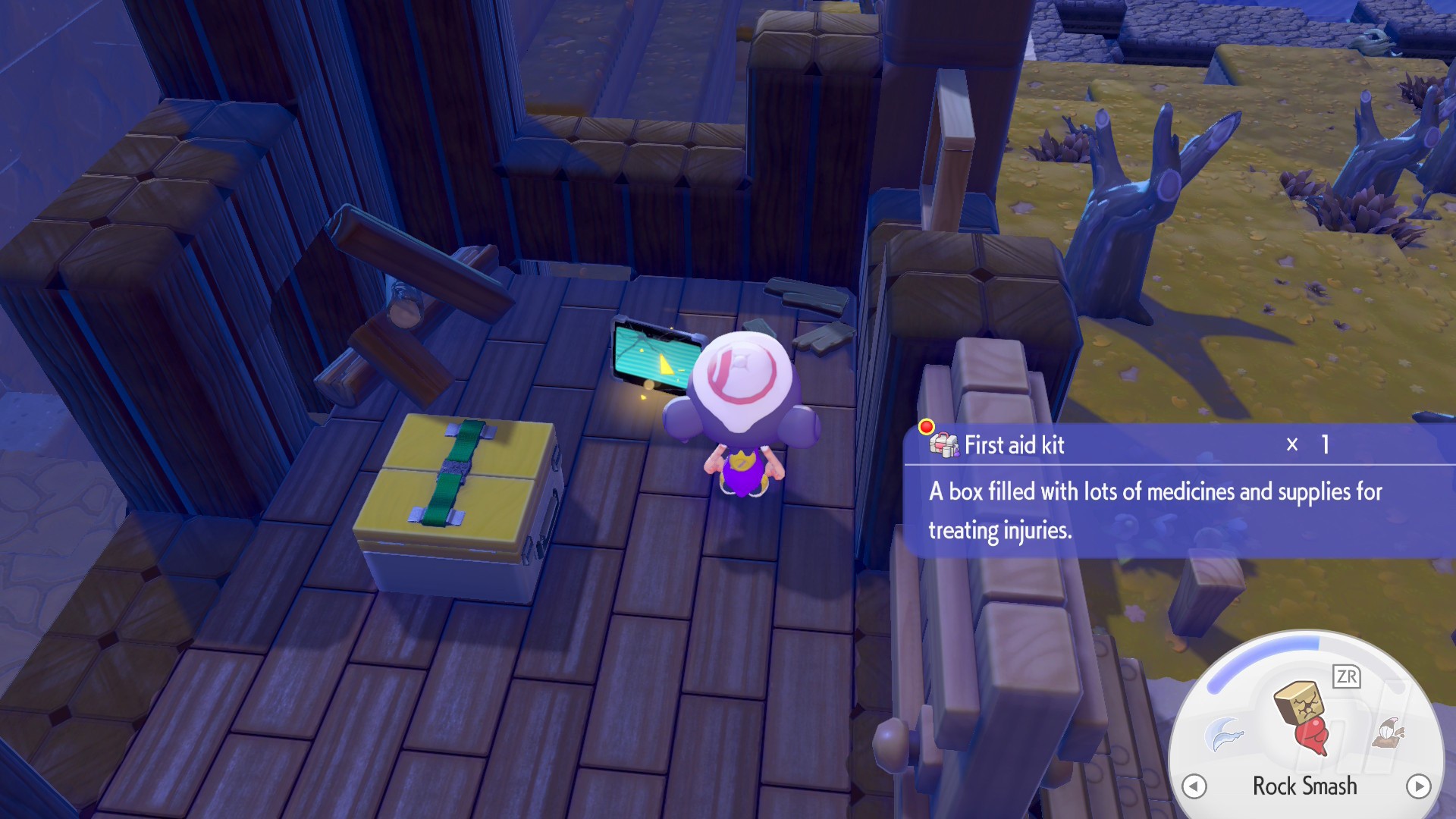
Comfort Levels will be crucial when it comes to maxing out your Environment Level, but at least in the Withered Wasteland, we say this: don't worry!
While you're getting to grips with the game, adding another layer of complexity onto the story, the crafting, and the building might be a little overwhelming. You'll need to get into the thick of it eventually, but it's not necessary to jump into for the first few hours.
Once you are ready to dive into making you Pokémon happy, then head to our Comfort Levels guide for all the tips you need to making a perfect happy paradise.
Prioritise yellow speech bubbles
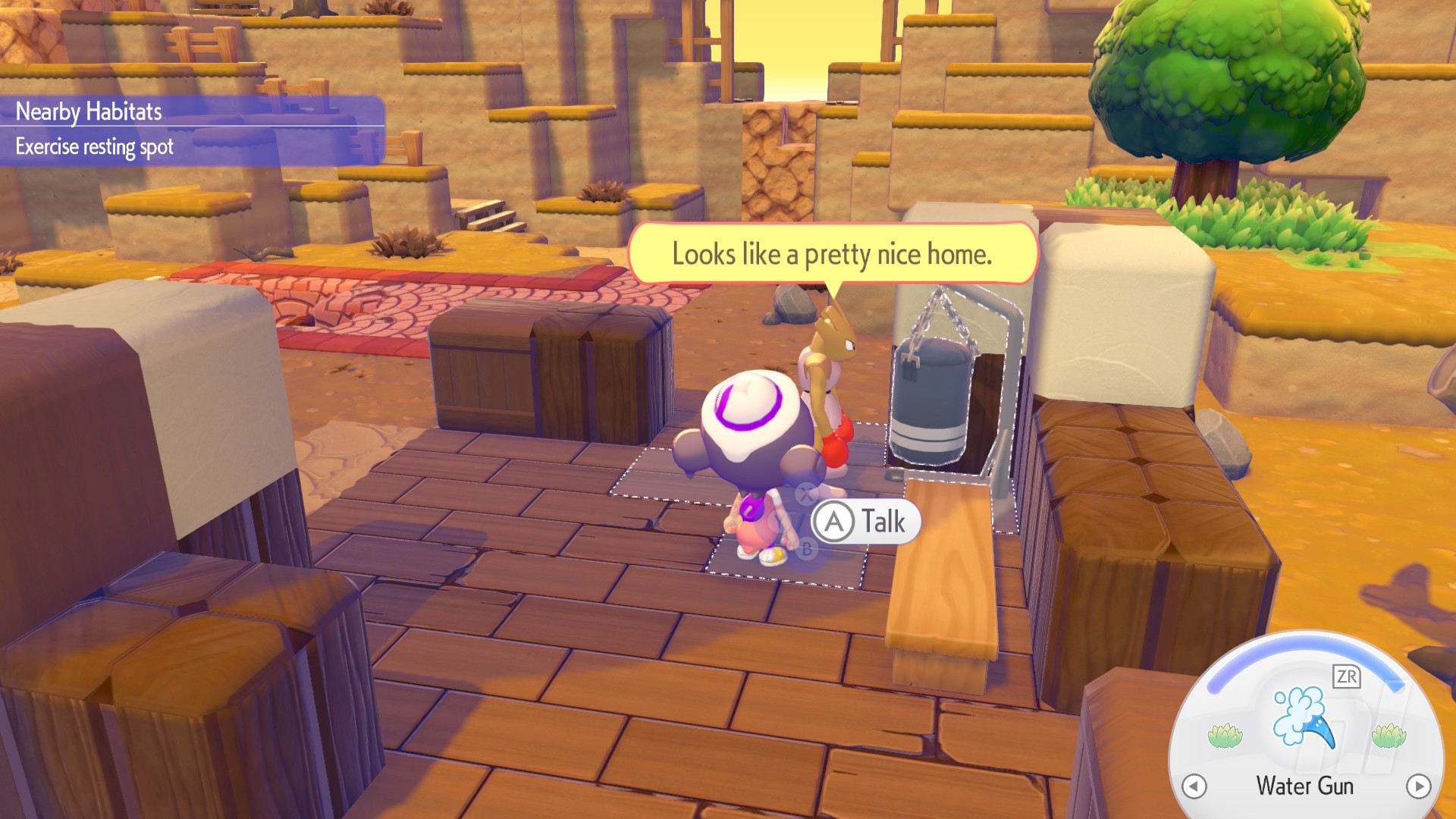
These Pokémon are pretty chatty, and you'll see plenty of speech bubbles and interactions as you make your way through the game. If they're yellow, though? That means they're important.
These are usually tied to the main story or a main quest. So if you're not sure what to focus on, those yellow speech bubbles are a good guide. Other times, these speech bubbles indicate that there's a new Pokémon ready to move in.
Basically, if you see a yellow speech bubble? Go investigate.
Familiarise yourself with Pokémon Specialties
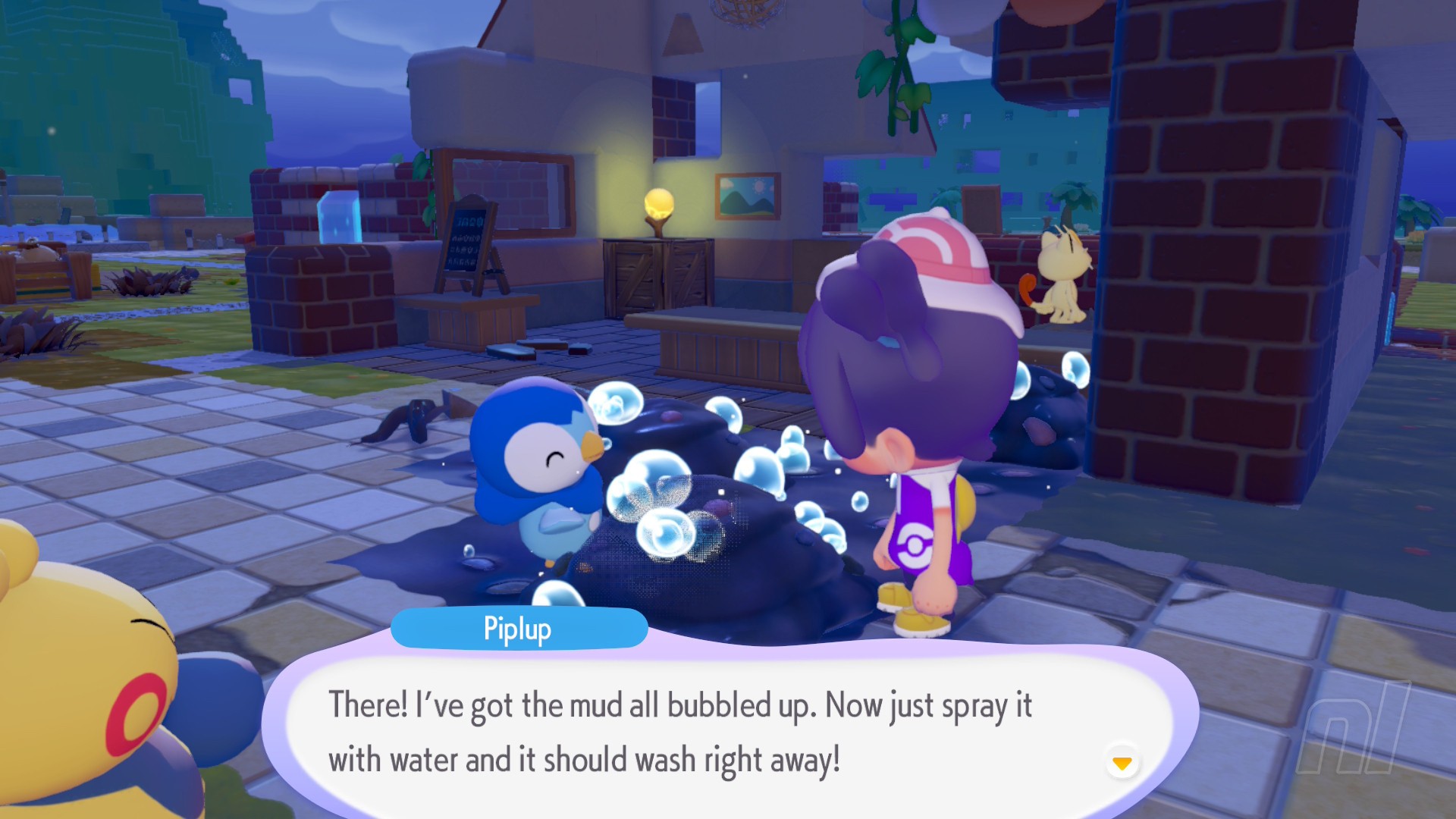
Every single Pokémon in Pokopia has a function that you can use to help make the experience a little smoother. Whether that's chopping up logs into lumber, or making bricks out of clay, every single 'mon is helpful.
We've got a guide on every single Pokémon Specialty, but using a bit of logic, you'll know that Fire-types will usually have Burn, while Water-types will have Water, for example. The former can heat up furnaces and make bricks, while the latter can clean up sludge.
Lost or stuck? Return home!
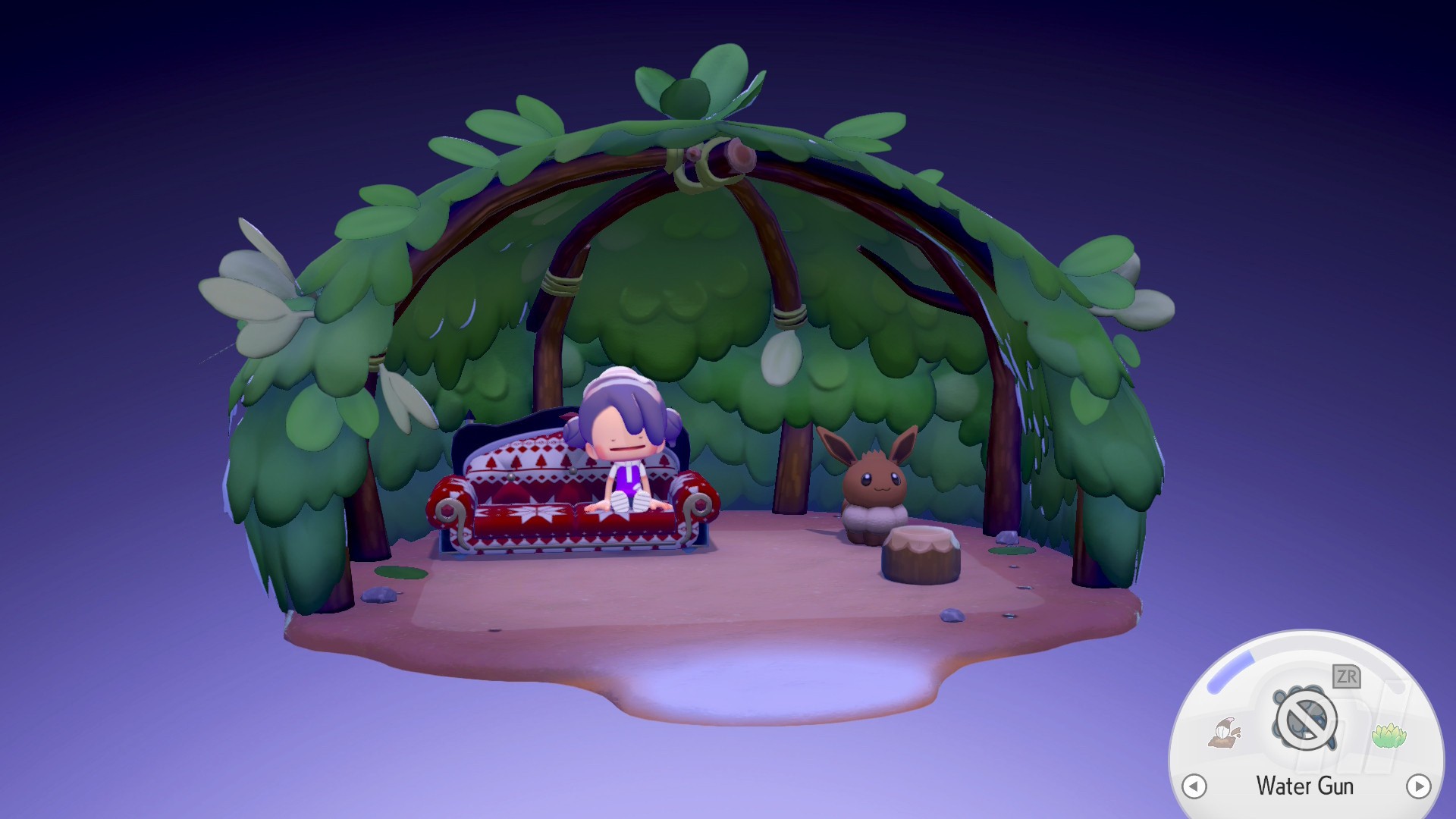
The main reason for making a home and putting it next to a Pokémon Center is to save you in case you get lost. What happens if you dig far too big a hole and can't climb back up? Or if you're simply lost?
Well, using the Return Home button on the menu will allow you to warp back to your house in the current biome. You can also use it to teleport between biomes, as long as you have a house there.
Break the glowing blocks
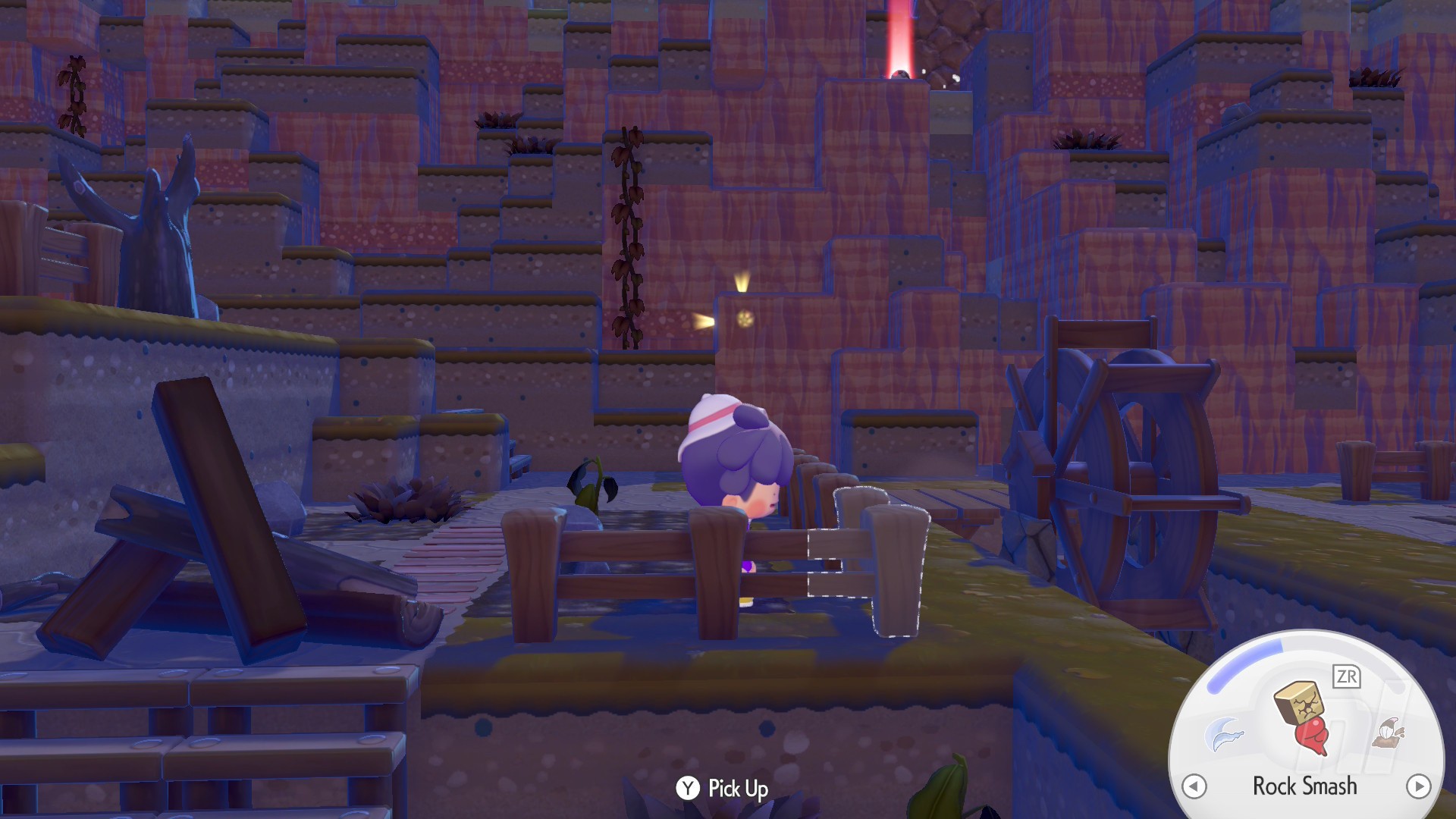
Hopefully this goes without saying, but just in case you're averse to shiny blocks and glowing lights, if you see a block with light bursting out of it, break it.
These are usually home to rarer items, CDs, and Fossils, all of which are fun and useful, and not just for decoration. This is also how you find Lost Relics, which you'll need to get appraised.
Always keep honey on you
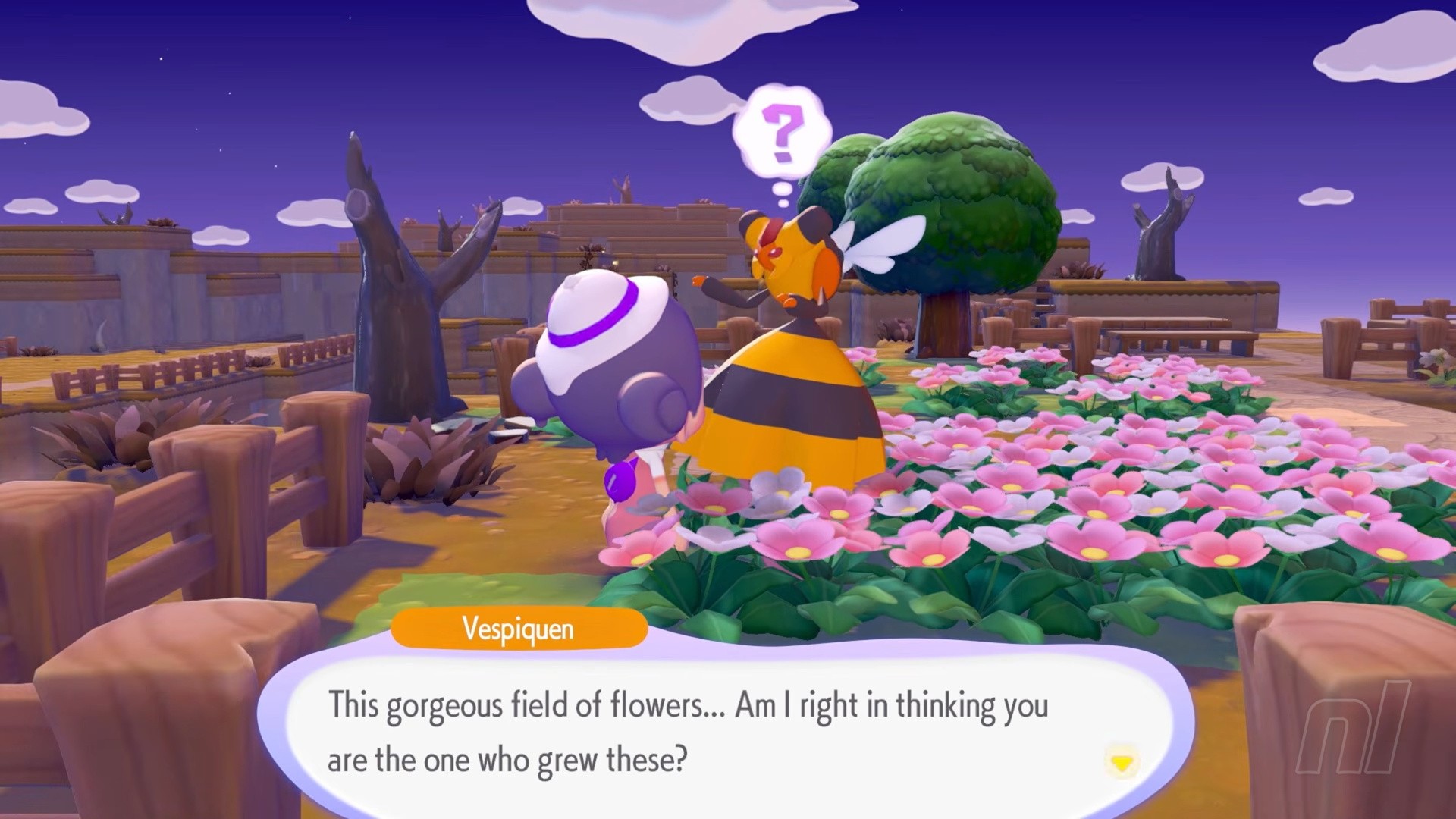
Honey might seem like an ingredient for cooking, but it's actually one of the most useful items in Pokémon Pokopia, because Pokémon sure love to wander off.
So, if you're looking for a friend because you need them to make some materials for you, or you have an item they want, head to their habitat and use a jar of Honey. They'll come running back.
And you can do the same with Pokémon Houses too. In those instances, it'll call back all the Pokémon that live in that particular building.
Explore Dream Islands
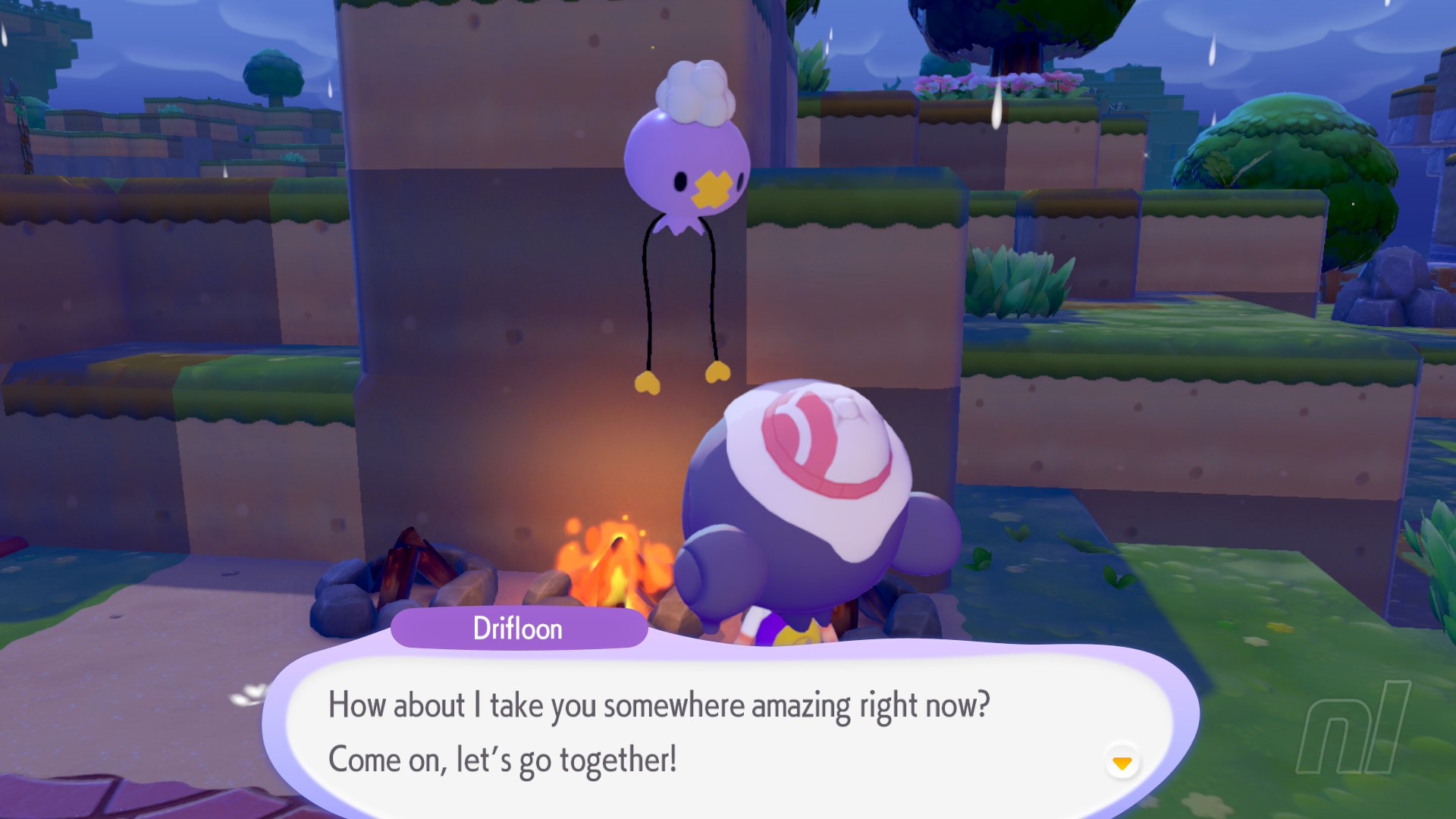
As soon as you befriend the lovely Drifloon, you'll unlocky yet another new function in Pokémon Pokopia: Dream Islands.
These islands are perfect for gathering resources from. You can only visit one type a day, but you should take the time to do this each day as you can find recipes, items, and even materials that are otherwise harder to get.
For more info on Dream Islands, we have a full guide covering every type of Dream Island, Doll, and all of the materials you can collection from them.
Play on a Sunday
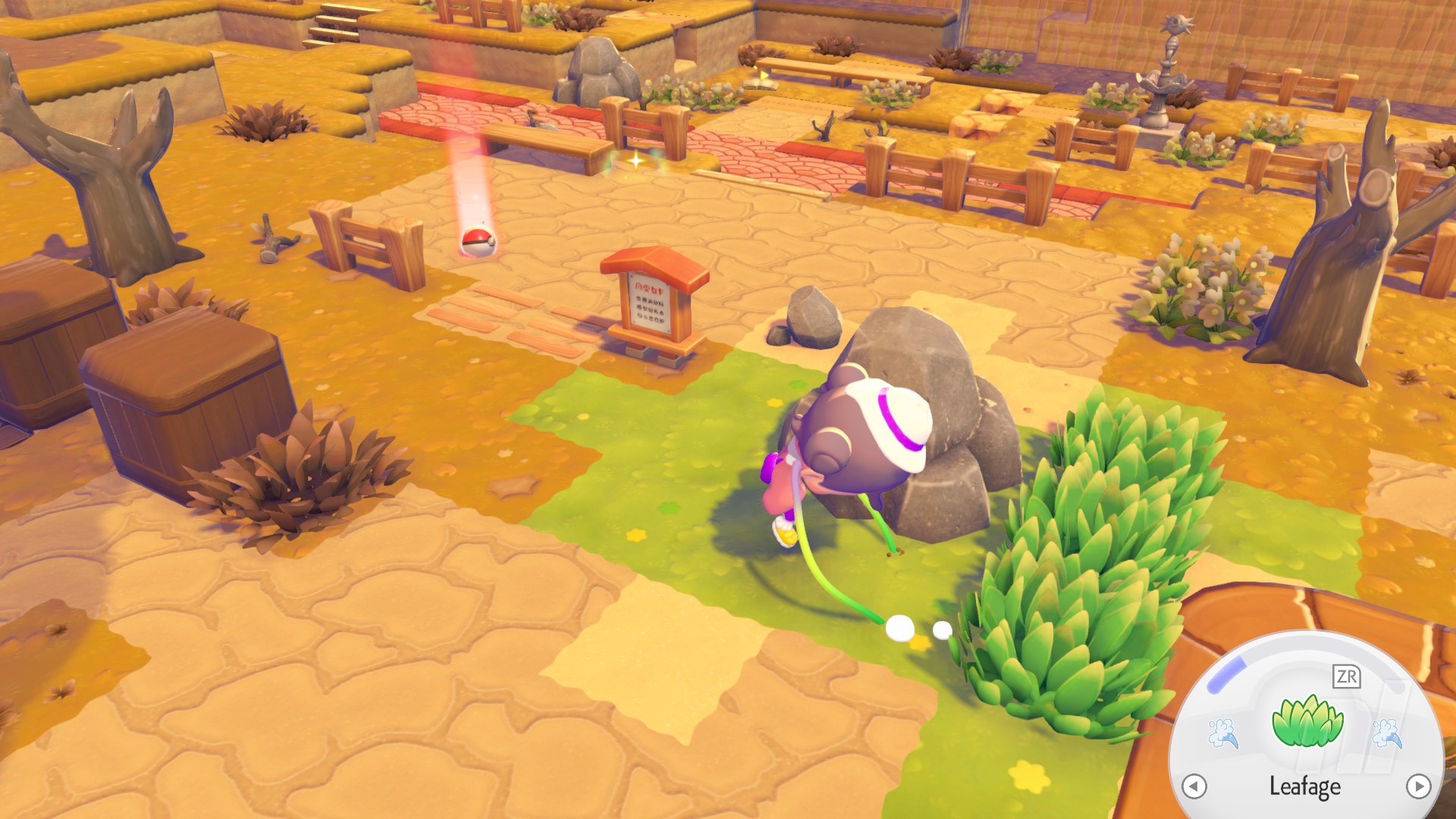
Scrap your Sunday lie-in for a little session on Pokémon Pokopia, because you actually get a little in-game bonus: shiny spots are more common!
That means those little sparkles in the water or on some flowers will pop up a lot more on this day. This seems to be the case every single Sunday, so if you want to stock up on Honey or pray you find that dream recipe underwater, this is the day to try.
Those are just a handful of early game hints that we think will be helpful, and they'll carry you through the whole game, too. For more-detailed guides and specific questions, head on over to our Pokémon Pokopia walkthrough for lots more.