 by
by 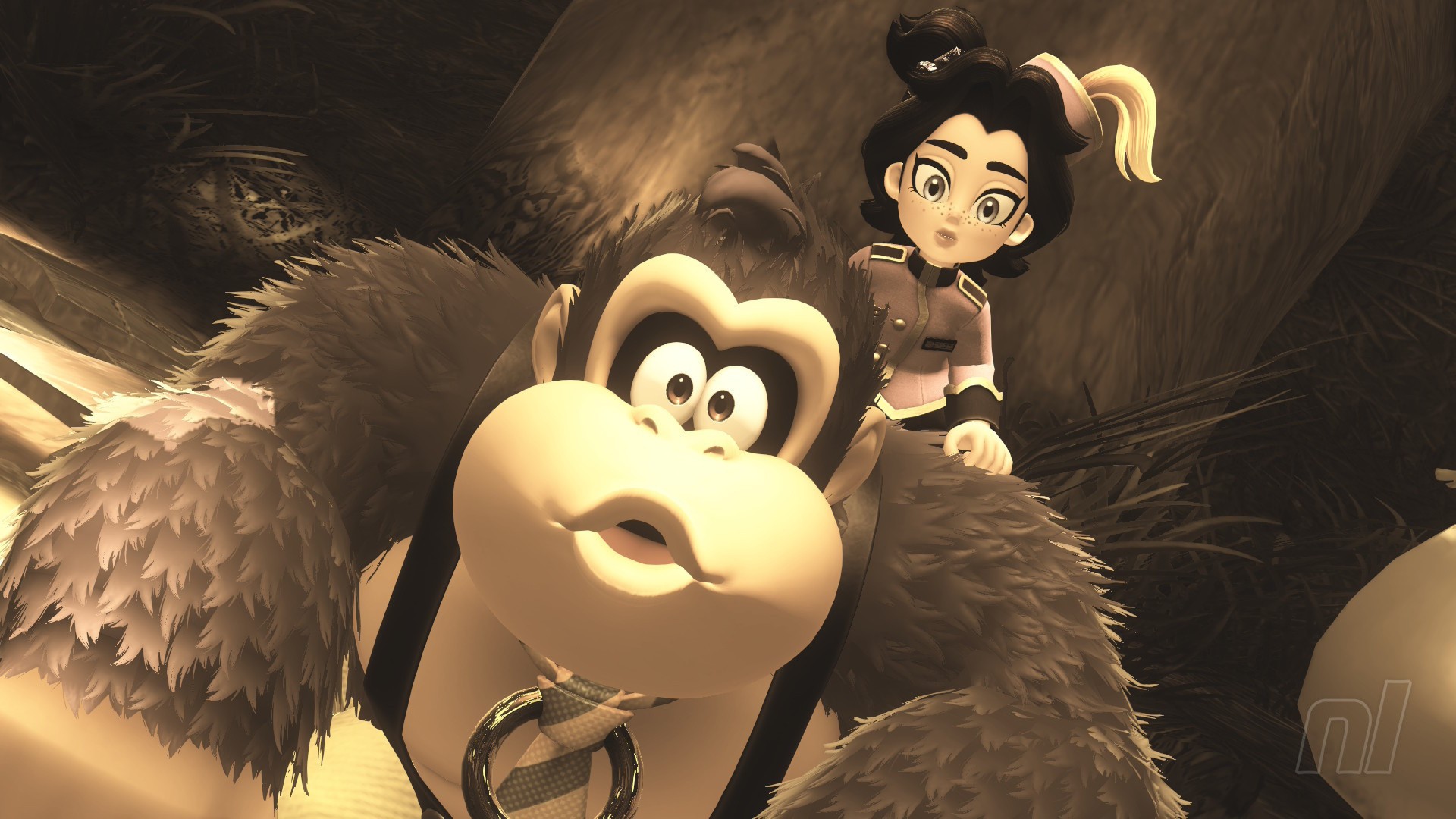
What is a video game without photo mode? Not a video game? Probably, at this point. Well thank goodness Donkey Kong Bananza has one, then.
Using DK's Photo Mode isn't immediately obvious, but we're here to tell you how to access it and how to make the most of this staple mode.
How To Use Photo Mode in Donkey Kong Bananza
Accessing Photo Mode is really easy, but the game doesn't actually tell you how to get there unless you poke around and go to the controls screen.
Subscribe to Nintendo Life on YouTube847k
Anyway, all you have to do is press down on the d-pad. Then you'll be thrown straight into Photo Mode with all the bells and whistles you'd expect.
Yep. That's really it.
What can you do in photo mode?
Take photos, of course!
Okay, let's be a little more detailed here. Yes, this mode is for taking photos of DK, Pauline, and the world in general, but you have a few different options to spice your photography skills up.
For one, there are a number of filters that you can add to make your shots look a little more dramatic. You'll see the Sepia photo this author took at the top here, but there's also a fisheye lens, watercolour effects, and shadow effects among others.
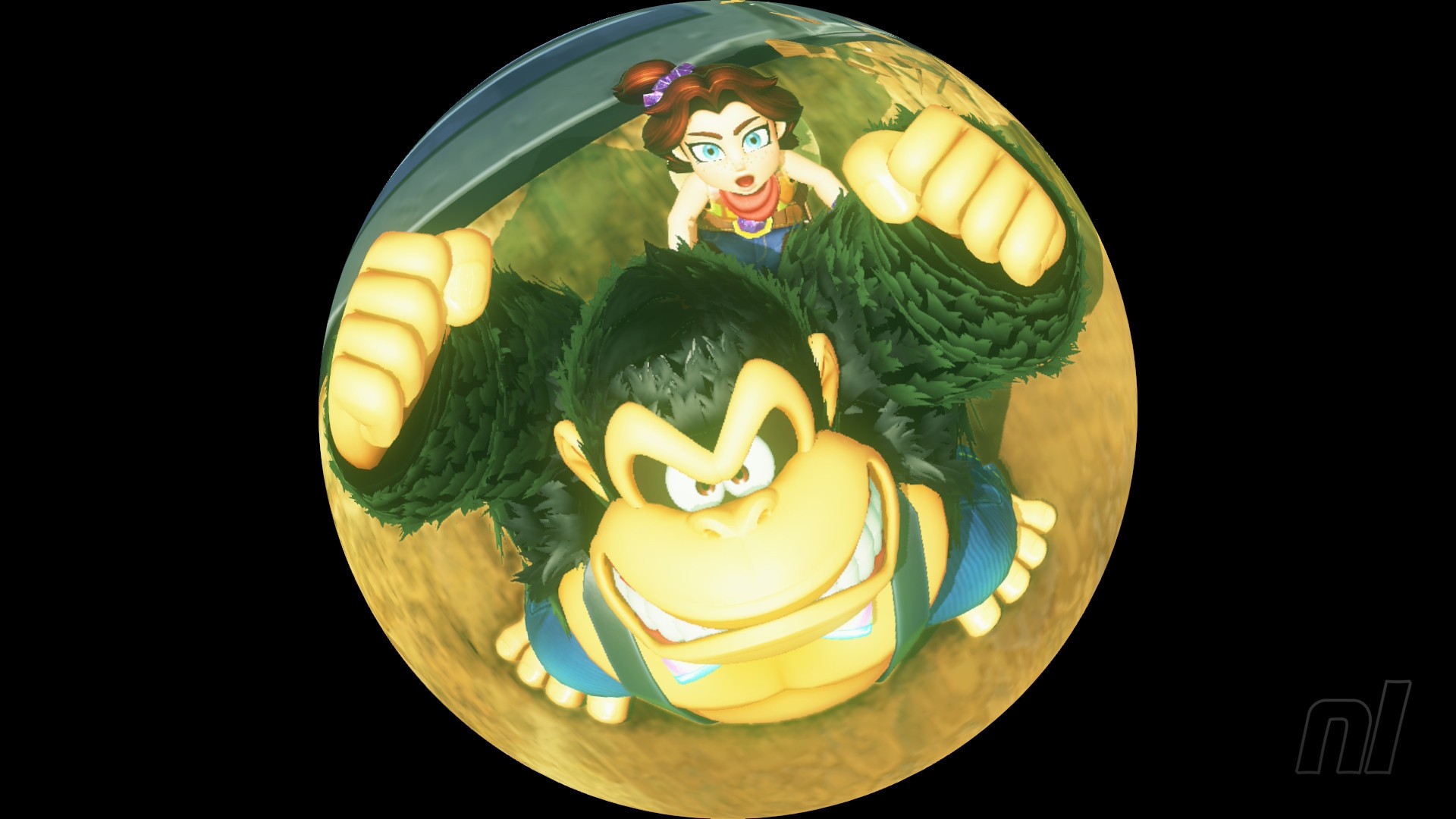
Other effects include adding the game's logo to your photo, a zoom in and out button, a tilt button, and the ability to remove DK from the photo entirely. Now that's mean, but maybe you want to take a shot of the enemies or environment?
Then you can access these photos via the Nintendo Switch mobile app and share them online! It's a nice break from collecting Fossils and beating up bosses, after all.
Donkey Kong is a real looker in some of these, right? You can't have too many photos of him and bananas. For more of those Banandium Gems and other collectibles, check out our Donkey Kong Bananza Walkthrough guide hub.


Comments 0
Wow, no comments yet... why not be the first?
Leave A Comment
Hold on there, you need to login to post a comment...