 by
by 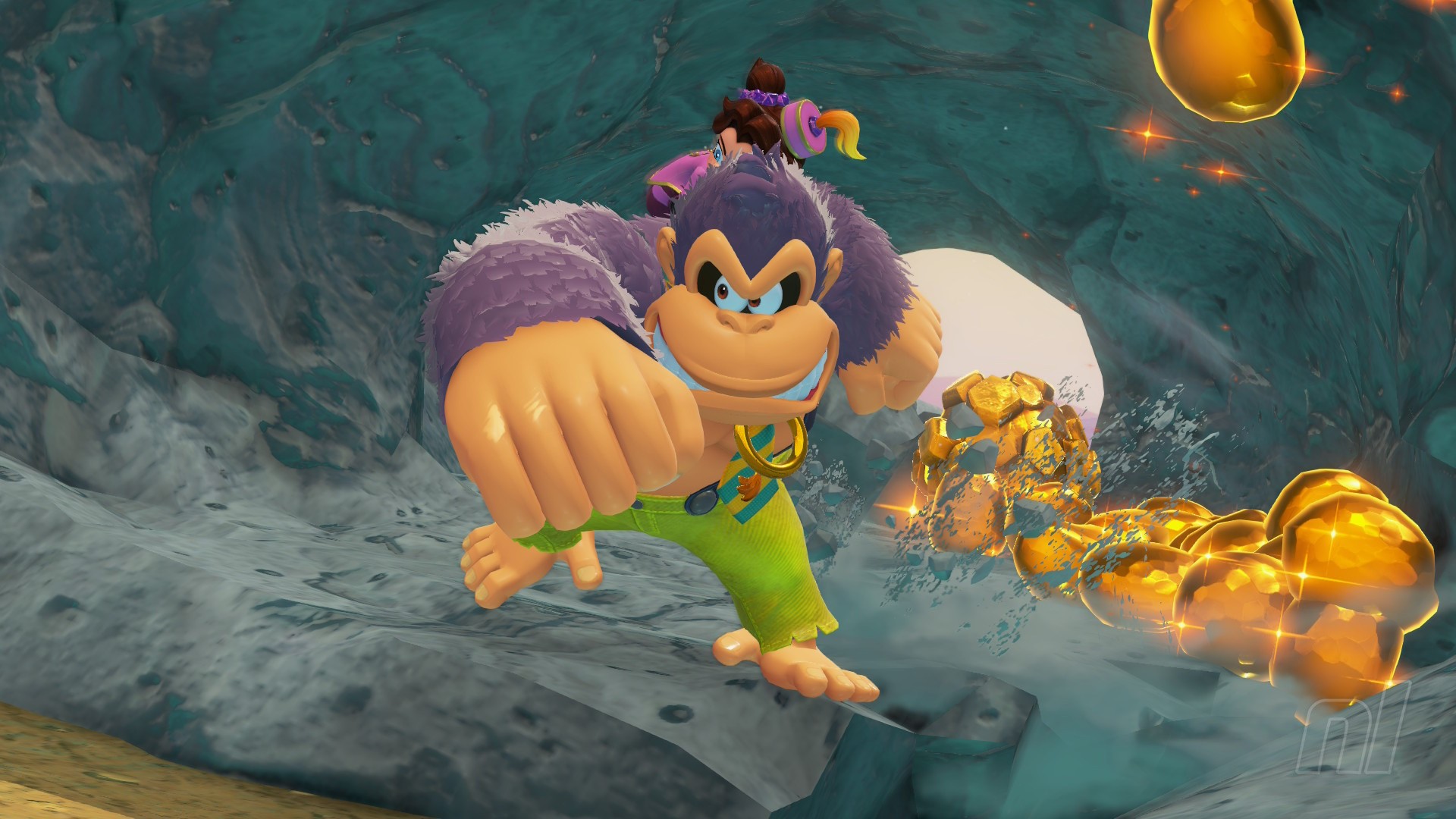
Donkey Kong Bananza is the perfect game to play after a long, stressful day at work. Why? Well, besides just simply being delightful, you can break absolutely everything with no consequences.
Though, if you're like us, you might be a bit rambunctious in the destruction department. Luckily, you can reset all of the terrain you've ripped through. So, if you need help here, we've got the hows and whys of how to reset terrain in Donkey Kong Bananza below!
Help! How Do You Reset Terrain In Donkey Kong Bananza?
So, you've gone a little too destructive in one of the layers and want to set things back to normal. Well, it's pretty easy to do, thankfully!
Subscribe to Nintendo Life on YouTube847k
All you need to do is bring up the map by pressing the '-' button, where you'll see a list of options in the bottom left corner. Press the '+' button to Reset Terrain, and you'll be given a further prompt. Select 'Reset it all!' to confirm and you'll reset the map entirely.
Why would I need to reset terrain?
The big reason is you may have destroyed way too much and not be able to progress, or grab a Banandium Gem, without having some kind of firm ground in front of you.
For the more creative, you might be trying to make something and may have taken out too much terrain. Both of these situations are only fixable by resetting terrain.
What does resetting terrain do?
Essentially, it reverts the entire map back to its original layout. Everything you've destroyed will be set back to normal.
You'll also be warped back to your most recent save point - that's usually the last checkpoint or Getaway you hit.
Hey, big breaker — now you have nothing to fear! Mistakes can be fixed indeed. If you're looking for more help, make sure you peel open our Donkey Kong Bananza Walkthrough hub for more tips and tricks.


Comments 2
"I'll fix everything... TO DESTROY IT ALL AGAIN!"
I suppose anyone who does this will find out, but you should have mentioned what happens to the getaways you’ve created in each layer. Getaways carve out a little terrain themselves, sometimes creating passageways that weren’t there beforehand. Do they reset as well?
Show Comments
Leave A Comment
Hold on there, you need to login to post a comment...