
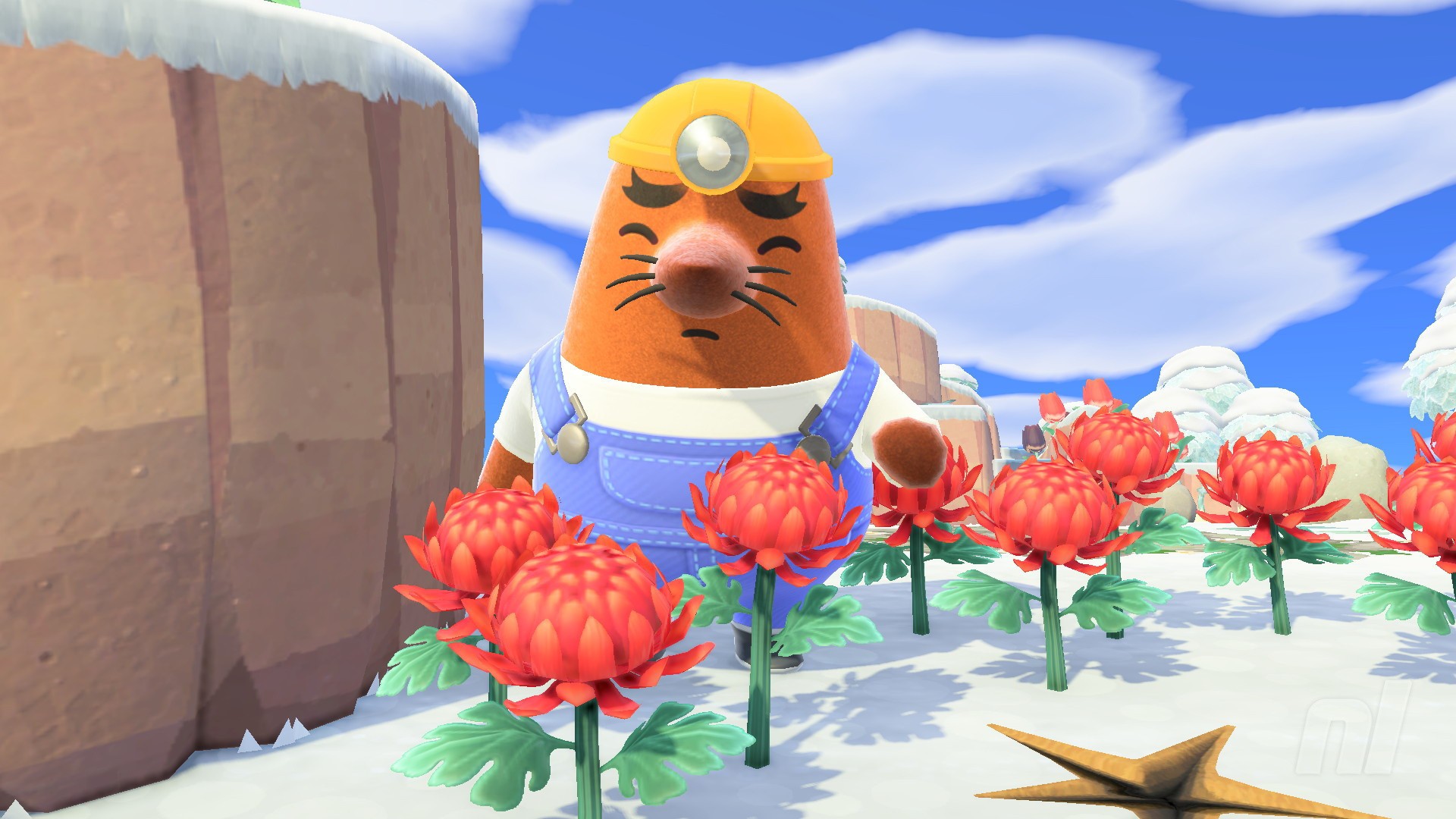
Animal Crossing: New Horizons' 3.0 has added a number of new features including the welcome return of Mr. Resetti, everyone's favourite grumpy mole.
Yes, he's technically been around since the beginning, but now you can get Resetti to reset your island — or various aspects of it. This guide will cover how to unlock his services in the Animal Crossing 2026 update and what you can remove and reset with his help.
Subscribe to Nintendo Life on YouTube845k
Resetti's Reset Service Guide - Animal Crossing: New Horizons
Before you can use this brand new feature, make sure you've updated your game to version 3.0.0, which dropped on 14th January 2026.
How to unlock Resetti's Reset Service
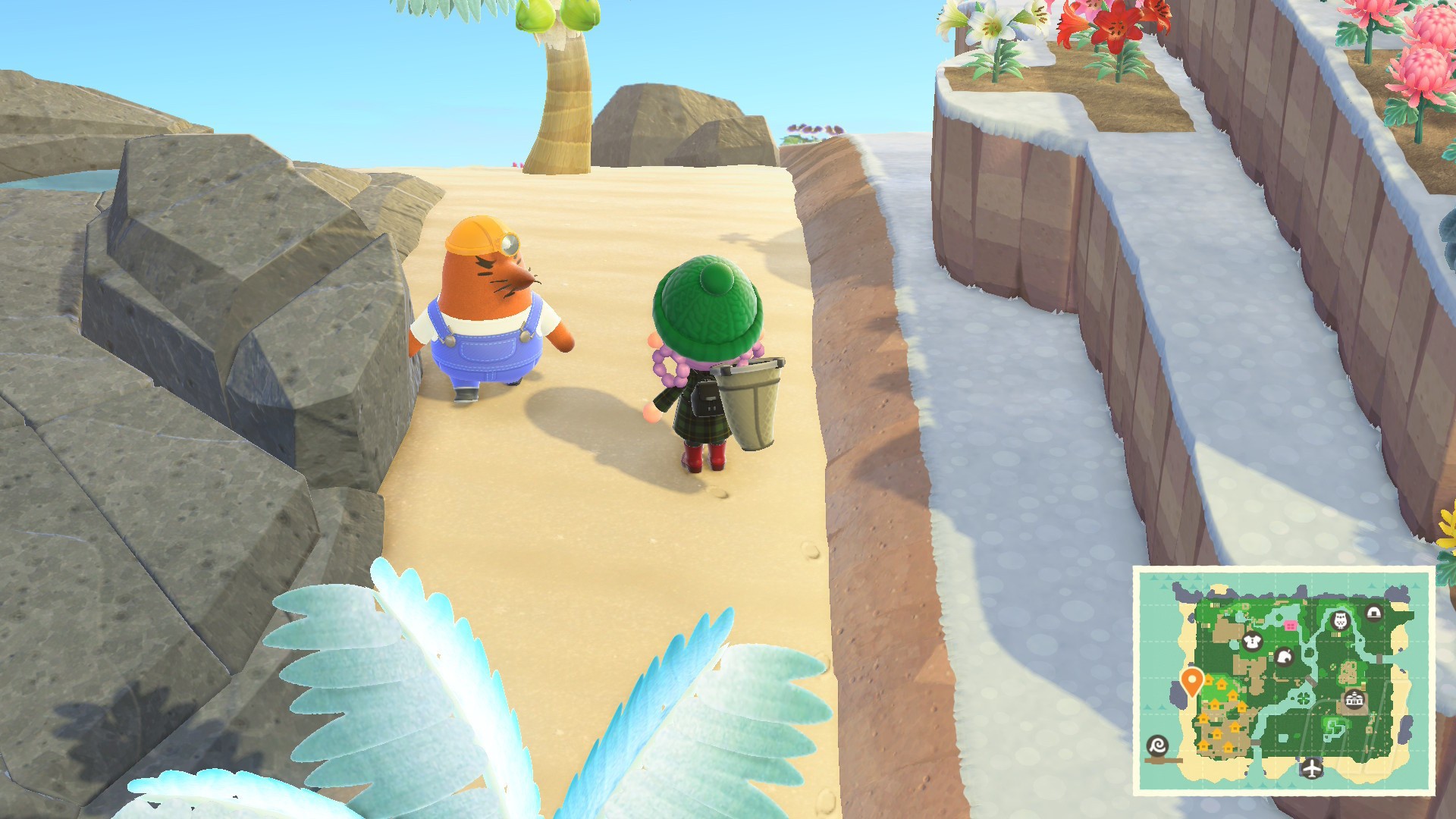
To start using Resetti's brand new service, you'll first need to find him wandering around on your island.
For us, we weren't notified that he was visiting or sent any mail — we simply found him walking around our little paradise. You may need to progress through the game before he appears on your island, but we haven't verified that yet.
Talk to him and he'll tell you about his Reset Service in a very calm manner — no, seriously, he's chilled out a lot since the old days. You can have him explain every aspect for you if you need, or just jump in.
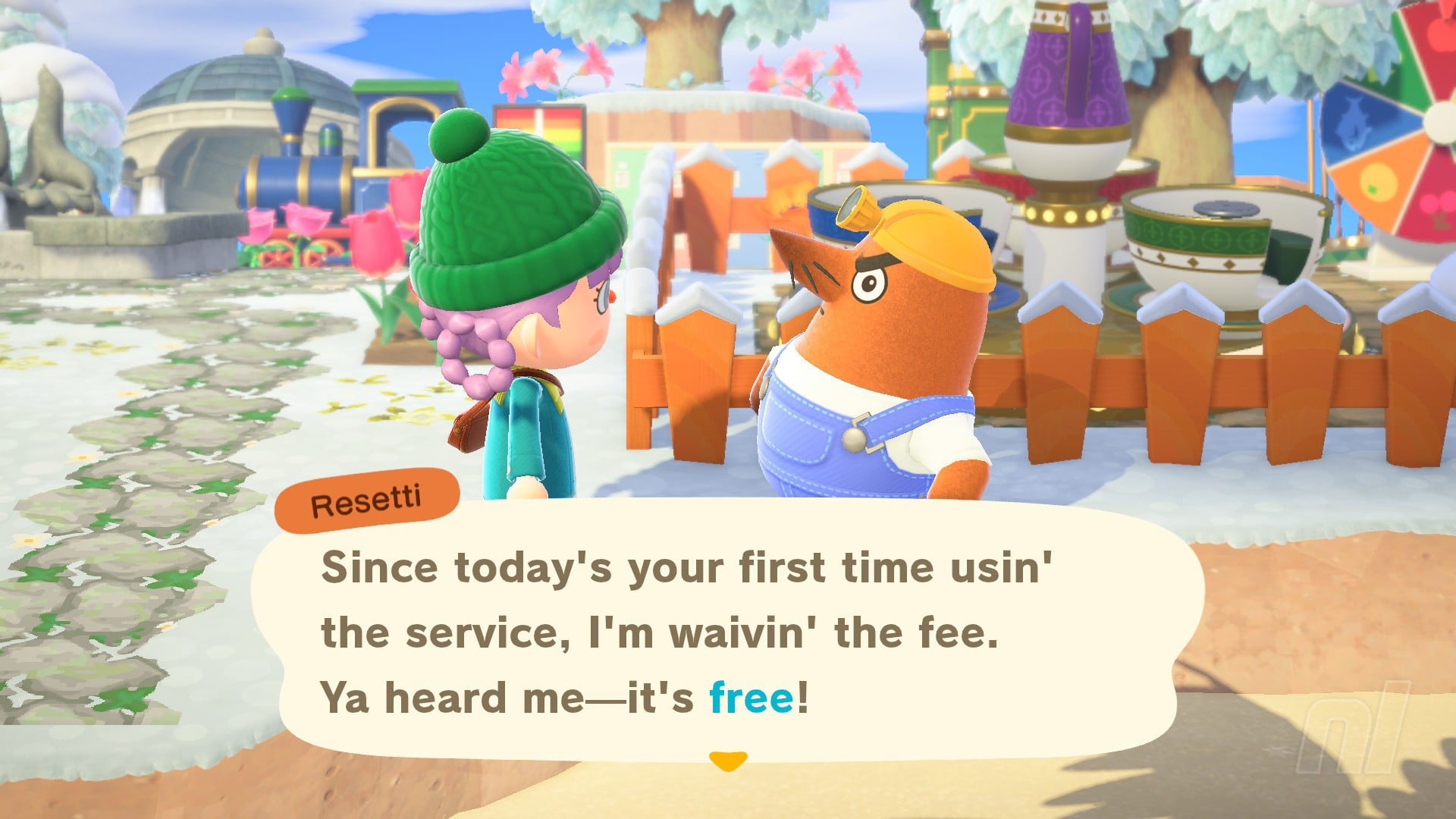
Your first use of his services will be free, but after that, you'll need to pay him 60,000 Bells. This covers you for the entire day, so you can use him multiple times within a single 24-hour period (aka, 12am to 11:59pm on a given day) without coughing up the Bells multiple times.
Once he leaves the island, you can simply request his services by heading to Resident Services and talking to Isabelle.
What can I reset with Resetti's Reset Service?
When you ask Resetti to do some, uh, "resettin'", he'll give you a list of options to choose from, which we'll dive into below. Any items and pieces of furniture picked up will be sent directly to your home storage.
You'll also have the option of whether you want to keep or remove flowers and custom paths wherever you decide to clean up — plus, you can choose whether to get those flowers stored in your storage.
You'll get to see what the area looks like after renovation before you commit, so don't panic. Oh, and Resetti won't remove trees, rocks, buried items, bushes, weeds, or terraformed sections such as bridges and inclines.
Items Resetti will 'reset'
- Furniture
- Fences
- Ladders
- Dropped items
- Flowers (optional, will ask)
- Custom paths (optional, will ask)
- Cockroaches (from inside your house)
Areas Resetti can 'reset'
- A specific area - You can choose 7x7 area for Resetti to tidy up. He'll give you a Transceiver
- Beach - As it says, Resetti will clean up your beaches — he won't touch the shells though
- The entire island - If you want a completely fresh start, Resetti can remove every single item on your island, with a few exceptions.
How to use the Transceiver
If you want to pick a specific section of the island to clean up, then Resetti will give you a Transceiver, a temporary item that allows you to call him over to anywhere on the island to clean it up.
All you have to do is head to the part of the island you want to renovate, select the transceiver from your inventory, and call him over. Then you'll get a bunch of options on what you want to keep.
We're glad to see ol' Don back, and we hope we'll see more of him and his brother in the future. For more on the Animal Crossing 2026 update and beyond, check out our complete AC:NH Walkthrough Hub for all the guides you need.


Comments 0
Wow, no comments yet... why not be the first?
Leave A Comment
Hold on there, you need to login to post a comment...