 by
by 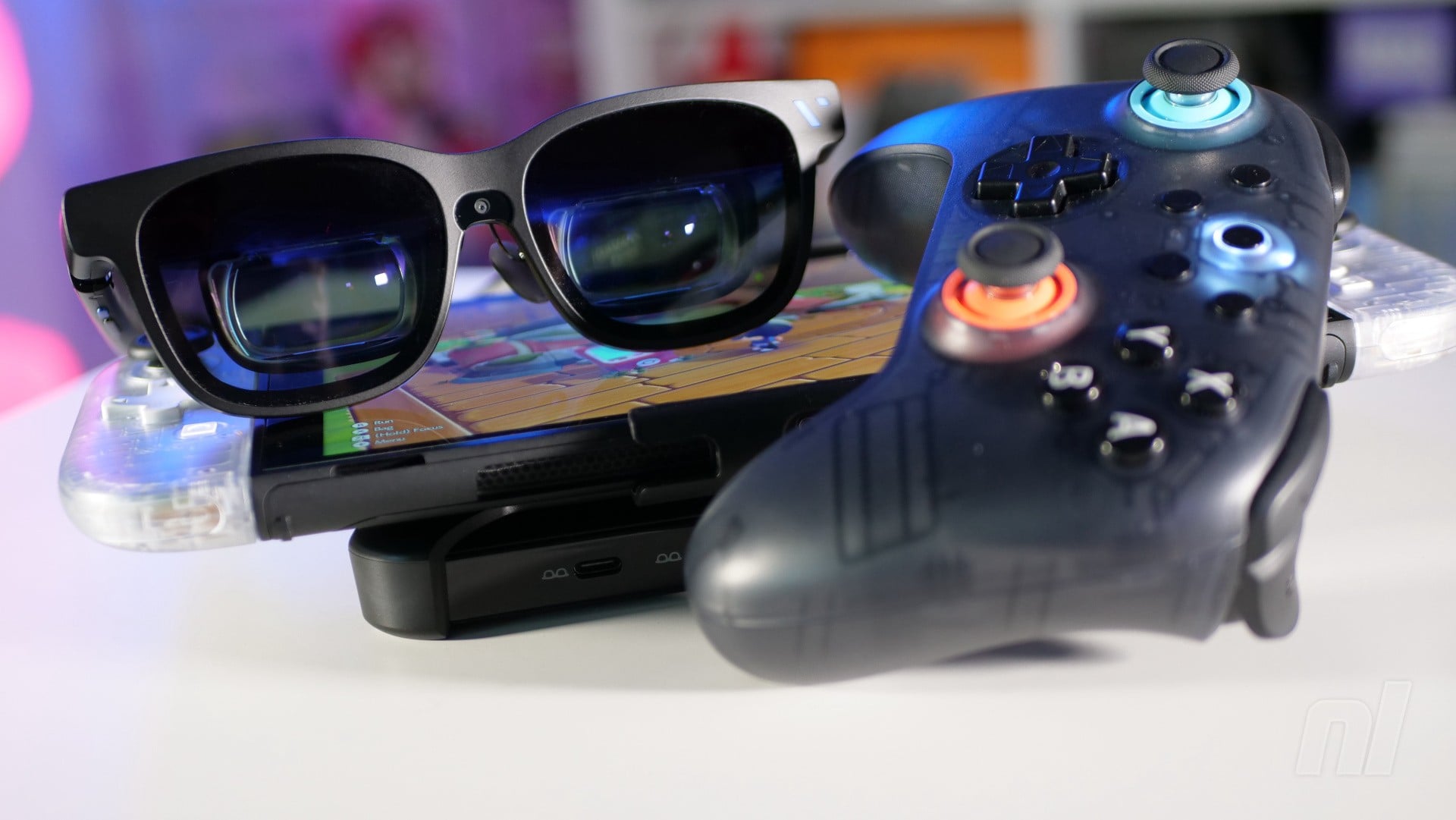
A few years back, we took a look at Viture's XR glasses – a pair of specs that, to the untrained eye, looked like sunglasses but were, in fact, akin to wearing a large-format display on your face.
We came away pleasantly surprised, despite the absurdity of it all, so when Viture got in touch to inform us that it had come up with a new and improved pair of glasses which support the Switch 2, we were naturally interested.
The headline news here is that the newer Viture Beast XR Glasses support a higher resolution of "up to" 1200p (that's not unlocked yet, but will be in a future firmware update), with the company describing it as "4K-like". This is achieved by two tiny Sony-made screens built into the frame, which are reflected onto the lenses to give the impression of a much larger display.
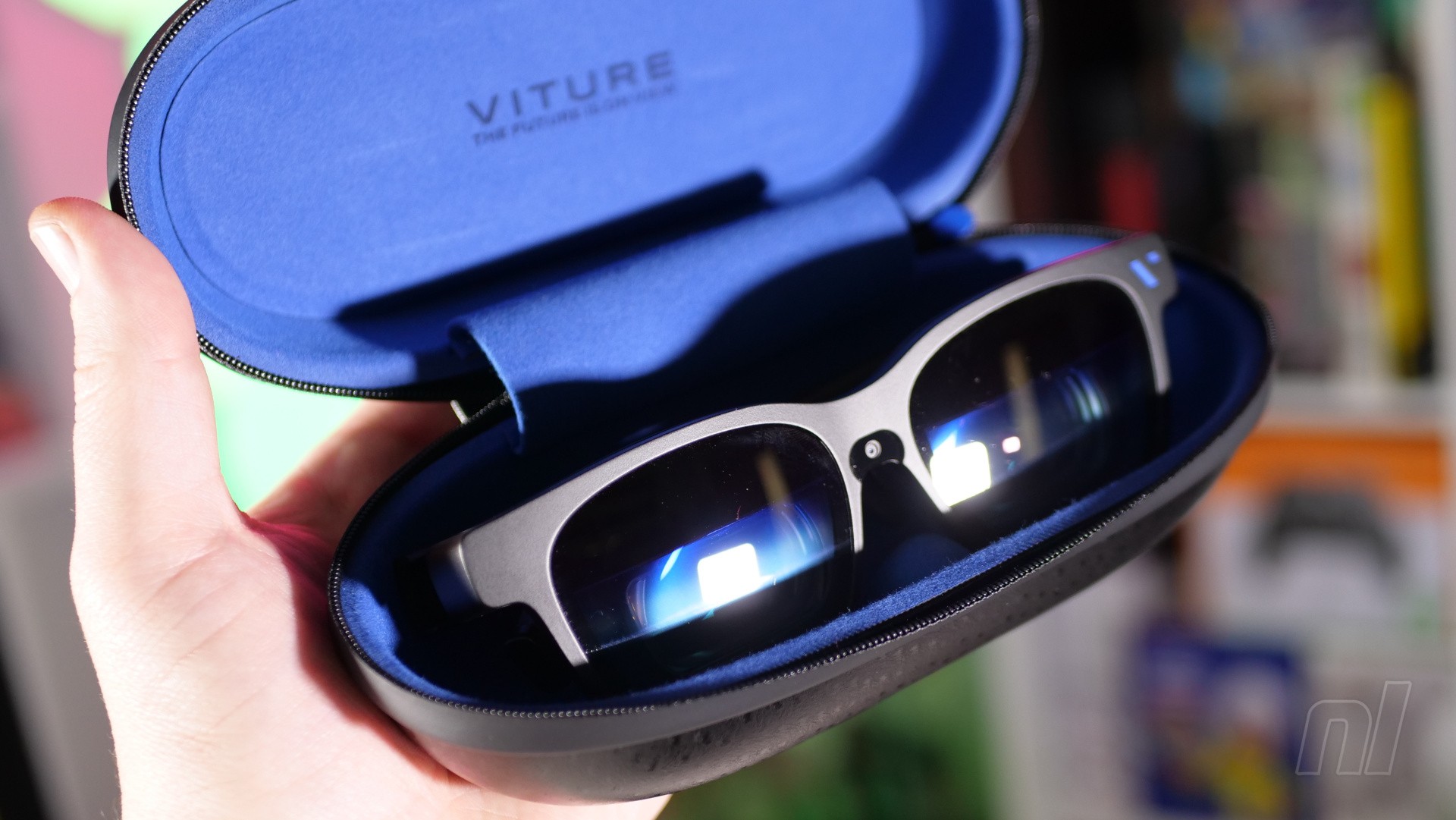
In fact, Viture says that this is the equivalent of viewing the action on a 174-inch screen at four metres away – and, having sampled the Beast's powers for the past few weeks, I'm inclined to agree. At its maximum size setting, the viewing area fills your entire field of vision – you can adjust the size using controls located on the arms of the glasses.
The Beast XR Glasses feel pretty heavy compared to your typical pair of sunglasses, but not unreasonably so when you consider what's included. The need to factor in a pair of screens and the reflective mirrors means that the glasses stick out from your face more dramatically than a typical pair, and while Viture's promotional material shows people using them whilst out and about in public (you can connect them to your smartphone as well as the Switch 2), it's not something I would feel confident doing myself.
The arms can be adjusted to your most comfortable setting, while the aforementioned controls (a button and a rocker button on the underside of each arm) allow you to adjust volume, brightness, and screen size.
The controls are fairly intuitive once you get used to them; for example, tapping the button on the right arm lets you toggle through the various viewing modes – I prefer the 'anchor' mode, which fixes the 'screen' in place, just as a normal TV would be. However, you can also choose to have the display 'floating' as you turn your head, which means it's always in front of you, no matter where you look.
Holding the left-hand button down for three seconds opens the Beast XR Glasses' settings menu, from which you can dig even deeper into its configuration, such as changing the display size, refresh rate, distance, and colour profile.
The picture quality is really, really good – there's little distortion on the image, but it's pin-sharp and both the brightness and colour balance are fantastic. As someone who has often struggled with Virtual Reality headsets over the years, I found the Beast XR Glasses really comfortable to use, even for prolonged periods.
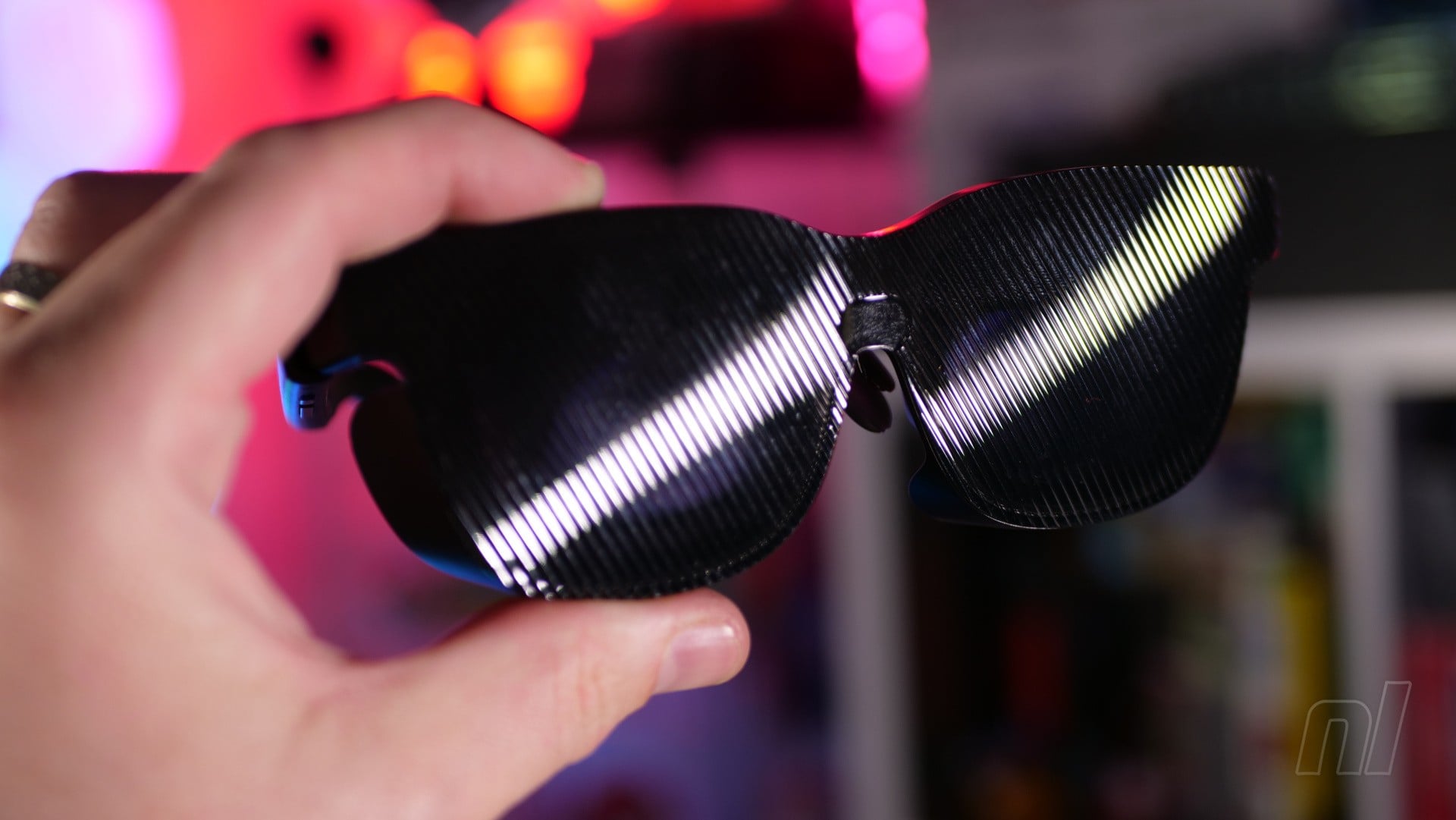
In terms of audio, there are Harman-made stereo speakers mounted in the arms, and these offer a welcome degree of punch when you're using the specs in a quiet environment. When things are a little louder, they can become hard to hear, but you can always use your headphones in these cases.
When used with your computer, smartphone, or portable PC (like the Steam Deck or Ayaneo 3), the Beast XR Glasses are powered directly from the USB-C connection, but when used with Switch 1 and 2, you'll need the Pro Mobile Dock, which has an internal battery that powers the console and places it into the all-important 'docked' mode (this dock also allows you to plug in standard HDMI devices, too).
There's a special plastic clip that lets you bolt the Switch 2 and Pro Mobile Dock together, and Viture has even teamed up with 8BitDo to produce a special variant of its Ultimate 2C Bluetooth controller, with a design that matches the Pro Mobile Dock. These items are bundled together in a pack which costs another $187 on top of the $549 cost of the glasses.
The big question here, of course, is whether you really want to spend over $700 just to get the big-screen experience on the move when the Switch 2 already has its own built-in screen.
While I'd argue quite strongly that playing Switch 2 games on the Beast XR Glasses is a more impressive experience than on the console's built-in (and oft-maligned) 1080p screen, I couldn't argue as passionately that it was a more convenient way to play; you've got to have the Pro Mobile Dock, 8BitDo controller, two USB-C cables and (of course) the Beast XR Glasses to hand when you're out-and-about – as well as the Switch 2 itself.
Lump all that together, and it's pretty clear that there's a lot of extra baggage (and setup) required when using the Beast XR Glasses, even if you do get a more striking and immersive experience. I'd say a better use case for these glasses is when you lack space for a large-scale gaming screen, or when you're away from home but don't want to sacrifice the epic real estate of your 80-inch home television.
It's important to note, of course, that gaming is just one use-case scenario for the Beast XR Glasses; I connected them to my MacBook and was able to create a 'virtual desktop' which ran the length of my office wall; the build-in camera on the glasses is smart enough to know when I'm looking at my laptop's display, and dials down the electrochromic film so I can see it. In fact, there's a whole bunch of functionality available when using these glasses with your computer or smartphone – which I sadly didn't get to fully dig into during my time with the glasses, as I was mainly focused on the gaming aspect.
In summary, the Viture Beast XR Glasses are undeniably impressive and really do offer a big-screen experience with your Switch 2, no matter where in the world you happen to be – but I fear the price tag might discourage casual players from taking the plunge.
The sample used in this hands-on was provided by Viture.
Please note that some external links on this page are affiliate links, which means if you click them and make a purchase we may receive a small percentage of the sale. Please read our FTC Disclosure for more information.


Comments 24
4k lite? So it’s not 4k lol. That’s a lot of money for these, they are just too much IMO. Shame as I would love to give them a go!
Not interested in these myself (and not just considering the high cost), but it's quite interesting that such a thing is possible in the first place - hope those going for them will enjoy them!
Just played through RE requiem using Xreal glasses and the viture mobile dock. Meant I could use the joy-con aiming whilst out and about. Generally worked a treat, though would occasionally cut out. Not ideal when being chased by zombies!
I would love you to do a review of the Xreal One Pro glasses and how they stand against these.
I know it isn’t VR, but this is certainly a step up fashion wise from a VR headset. I personally don’t want to exit the real world to this degree. I’ll stick to the switch 2 screen.
So pay as much as it was for the console. This will sell well. Not. What a ridiculous rip off. By the time you have bought all the accessories you are talking crazy mad money.
'...the newer [glasses] support a higher resolution of "up to" 1200p ... with the company describing it as "4K-like".'
1200p is barely more than 1080p. 4K is 2160p. They need to dial down the marketing hype.
Had these for a couple of months, if I’m being honest I’m not a fan, but that might be because of me (i can’t typically use VR stuff) - the cons are the edge of screens are incredibly blurry, the screen has a tendency to drift if you decide to anchor it, and eventually my eyes get exhausted. I fly a lot for business and for these would be ace, but ultimately i just preferred playing handheld/table top. - edit* i want to add that i also bought these for taking a whopping great monitor and anchoring it anywhere i need to when working on travel, but the corner/edge clarity made it not fit for purpose
It really is remarkably easy to separate middle-aged men from their money.
@BaldB3lper78 Agree that it’s crazy as an accessory for one console. I also use my Xreal one pros to watch big screen cinema in bed without disturbing my partner. I can also plug into my iPad and play Indiana jones via Amazon Luna whilst lying on my back
@nessisonett HOW DARE YOU, I'm middle aged but am not going to use my money on this, the wife wouldnt let me (joke)
Also to be honest, glasses that make a screen, my eyes hurt from looking too much at my work computers, it being beamed in to my brain will just give me a migraine.
@Drew250 With the Xreal On Pro, are you seeing cons like blurry edges or eye strain ?
Is the image really crisp ?
@Bunkerneath I genuinely think that if you sat down every single person who’d bought a pair of these, there wouldn’t be a single woman among them.
@Hyrulean I used them with the switch 2 for a good few hours one day recently without any eye strain. The glasses do dig a bit into your nose with the weight, but not enough to stop me playing.
There’s a little bit of blurring on the edges of the ‘screen’ but I had no problem reading text or anything. Much easier than on the small screen, and everything comes up clearer because the screen is nice and bright.
Xreal has this Real3D mode where you press a button and it makes the game ‘3D’. Genuinely fun… for about 2 minutes, because the picture also goes quite jaggy, that’s not just the Switch though, also happens with movies.
@Drew250 Thanks !
It sounds like diet VR without the clunky headset. Which is super cool. I feel like this is a cool "proof of concept but not worthwhile purchase in this form" type of thing. Maybe in five or ten years, the technology this is built on will improve to give a better value proposition.
As someone who is pretty sure his eyes were damaged by the Virtual Boy decades ago in a Toys R Us, I've always wanted a pleasant VR experience and this looks very close to what I've always had in mind. I don't want the dotHack or Sword Art Online full body link, I just want to get a little more intimate with my games and FEEL like I'm playing a game, not have my brain be tricked into thinking it's real. Maybe once the price can go down or they have a sale I'll chat with my group and see if they would want to chip in together to get one.
These sound really cool, but I bought a big 4K TV before S2. I don't think I really need these, and $700 isn't making me change my mind.
Very unfortunate naming, as it sounds affiliated with Mr. Beast.
That said, I’ve always thought the product design of VR headsets was unviable, as most people don’t want to strap an entire console over the top of their head. The glasses form factor is a step in the right direction. I just want a company to do it cheaply and lightweight, with a streamed feed like the WiiU gamepad.
They sound really cool. I feel like the switch 2 compatibility could only ever be a bonus function, but if they provide great functionality with your computer they might sell
I really wish, Alex would do a review Video on this one.
If you read this, Alex: enjoy your family! I know how great it is. Still missing you!
60' tv screen is not big enough?
Enjoyed the big screen experience in VR using a quest 3 to watch films. Very much felt like I was in a cinema.
Not sure I would like that for games though. The field of view would be too big in my opinion and I think eye strain after a while would be a thing.
Price as expected but not a price I would pay. Wouldn't mind trying as a novelty one off experience though.
I have a pair of X-Real One Pros and recently got the Viture dock for Switch 2. I love them, especially for flying. I get pretty bad motion sickness on planes and I thought these types of glasses might make it worse but it was the exact opposite. I put on my glasses and a pair of noise cancelling headphones and I forget all about being on a plane. It’s kind of crazy.
But also I’m not a big fan of handheld play, so I use my glasses when I’m out and have some time to game as well. Totally worth it.
Show Comments
Leave A Comment
Hold on there, you need to login to post a comment...