 by
by 
Switch 2's GameShare feature is a boon for families, especially as you don't need to buy multiple copies of one game to use it. And what better game to play with your loved ones than Pokémon Pokopia.
Unlike most other games on Switch 2, however, it's not immediately obvious how to access this feature. So this guide will help you set up GameShare in Pokémon Pokopia, allowing you to play with friends and family locally.
How to use GameShare in Pokémon Pokopia
First thing to note, GameShare is only available in Palette Town — the completely optional island where you can build and customise to your heart's content.
Subscribe to Nintendo Life on YouTube852k
Palette Town is accessible via Withered Wasteland, and once you unlock it and place a home there, you can fast travel there whenever you want.
Once you're on this barren island paradise, head to the Pokémon Center and examine the PC there. Then, head to Link Play, then select 'Invite Others to Visit'. You'll then have the option to select GameShare, which you should do.
Open up the room, and then your friend on the other console simply needs to select the GameShare icon at the bottom of the screen and then follow instructions to join you.
Up to three others can join you in Palette Town. And that's all it takes!
What can you do in GameShare in Pokémon Pokopia?
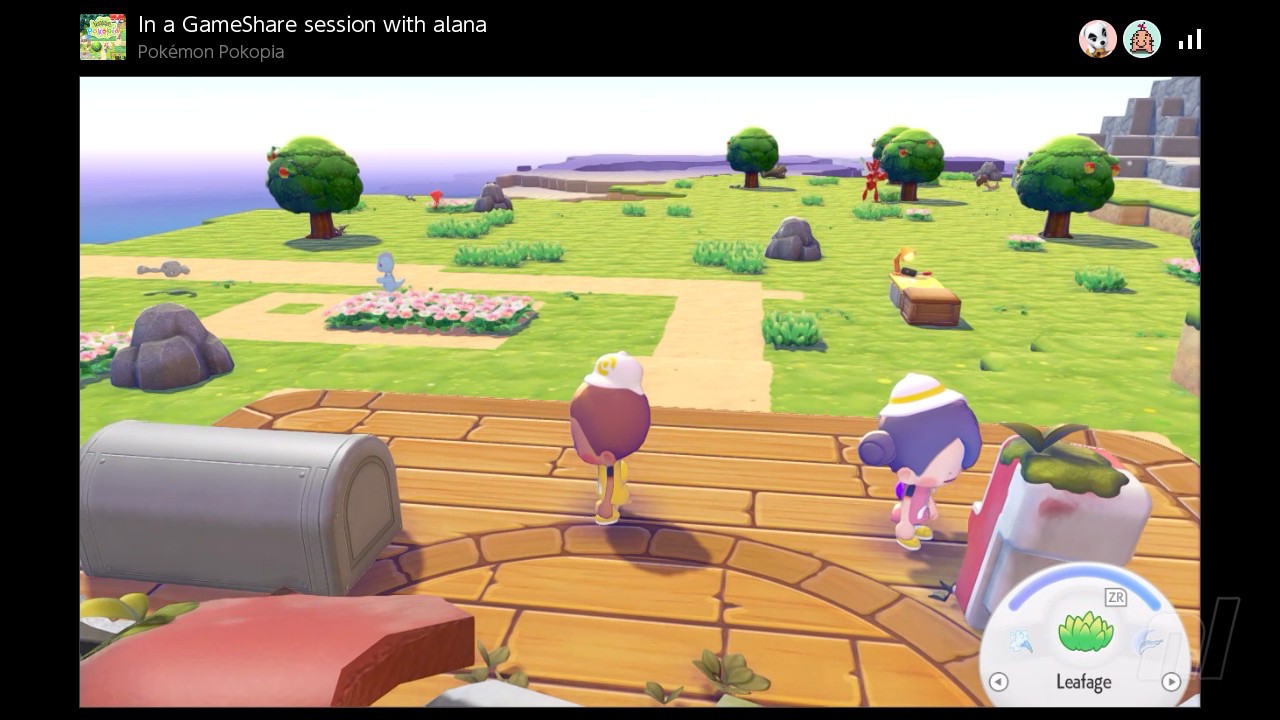
While the host can do absolutely everything while GameSharing, the other players are a tiny bit more limited. They can't get Pokémon to follow them, and they can't discover new Pokémon, either.
Everything else, though? It's all game. Build. Break, Collect. Interact with Pokémon residents. Almost everything is at their fingertips.
When they leave, any items in their inventory will be sent to the Lost & Found box outside of the Pokémon Center.
Can you use GameShare with Switch 1?
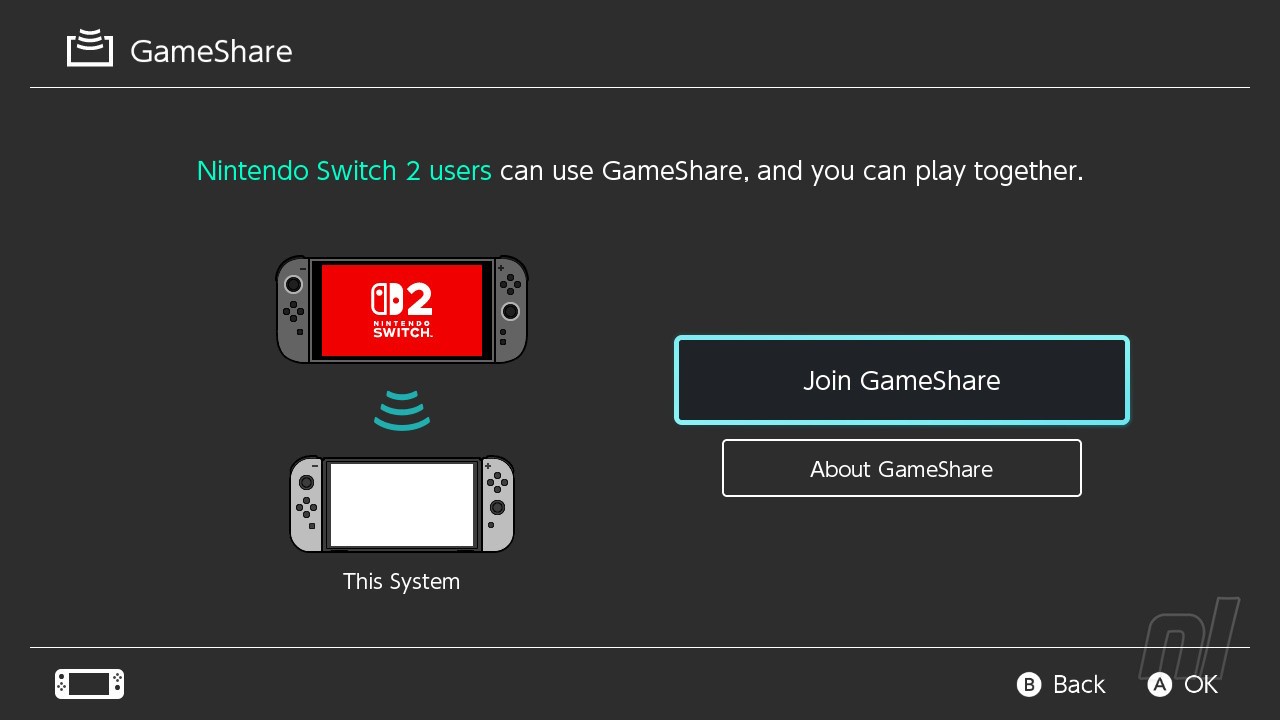
Yes, you can! While Pokémon Pokopia isn't available on the older console, you can play the game with a friend or family member via GameShare.
Once again, this is limited to Palette Town only, but you'll both be able to build, explore, and share materials.
Playing with friends just adds more fun to Pokopia. For more help, see our Pokémon Pokopia walkthrough and step-by-step guides for Withered Wasteland, Bleak Beach, Rocky Ridges, and Sparkling Skylands. When it comes to Pokémon, there’s full Pokédex and Habitats, Eeveelutions and Fossil Pokémon lists, plus explainers for Dream Islands, Environment Levels, Food Recipes and Mystery Gifts.