 by
by 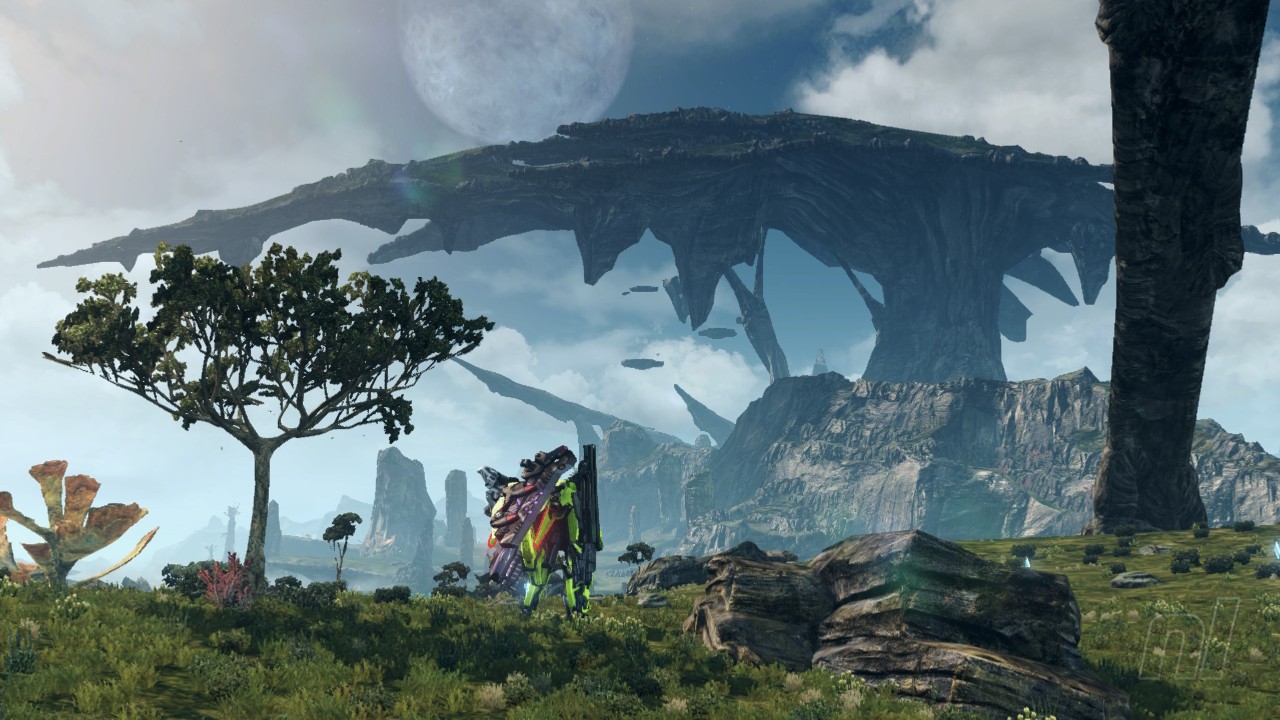
Did you know that you can actually take screenshots in Xenoblade Chronicles X: Definitive Edition without the UI getting in the way? Yes, yes you can! Every day is a school day.
We're not sure why it's not made a little more clear in-game, but regardless, let us now bestow this wisdom upon you, dear friends, as we take a look at just how this UI-less, screenshotting sorcery works.
Xenoblade Chronicles X: How To Remove The HUD And Take Clean Screenshots
Amazing screenshots are easy to bang out during the game's incredible cutscenes with a easy press of the Switch's screenshot button.
Subscribe to Nintendo Life on YouTube848k
However, when you're out in the field and happen upon some wonderous vista, or an animal you want to take a pic of before murdering, it can get tricky.
How to zoom out the camera
The camera can be manipulated by holding the left shoulder button and using the right stick to zoom in and out, which is useful, particularly for seeing much further afield.
But there is still a very busy UI in the way, especially during big fights.
How to remove UI in a screenshot
To remove the HUD and leave yourself with pristine screens in your shot, simply hold in the 'L' & 'R' buttons together. You'll know you've done it right when it makes a nice camera-clicky sound.
Maybe don't try it during difficult fights, however...
Now. Here's some we made earlier.


Comments 0
Wow, no comments yet... why not be the first?
Leave A Comment
Hold on there, you need to login to post a comment...