 by
by 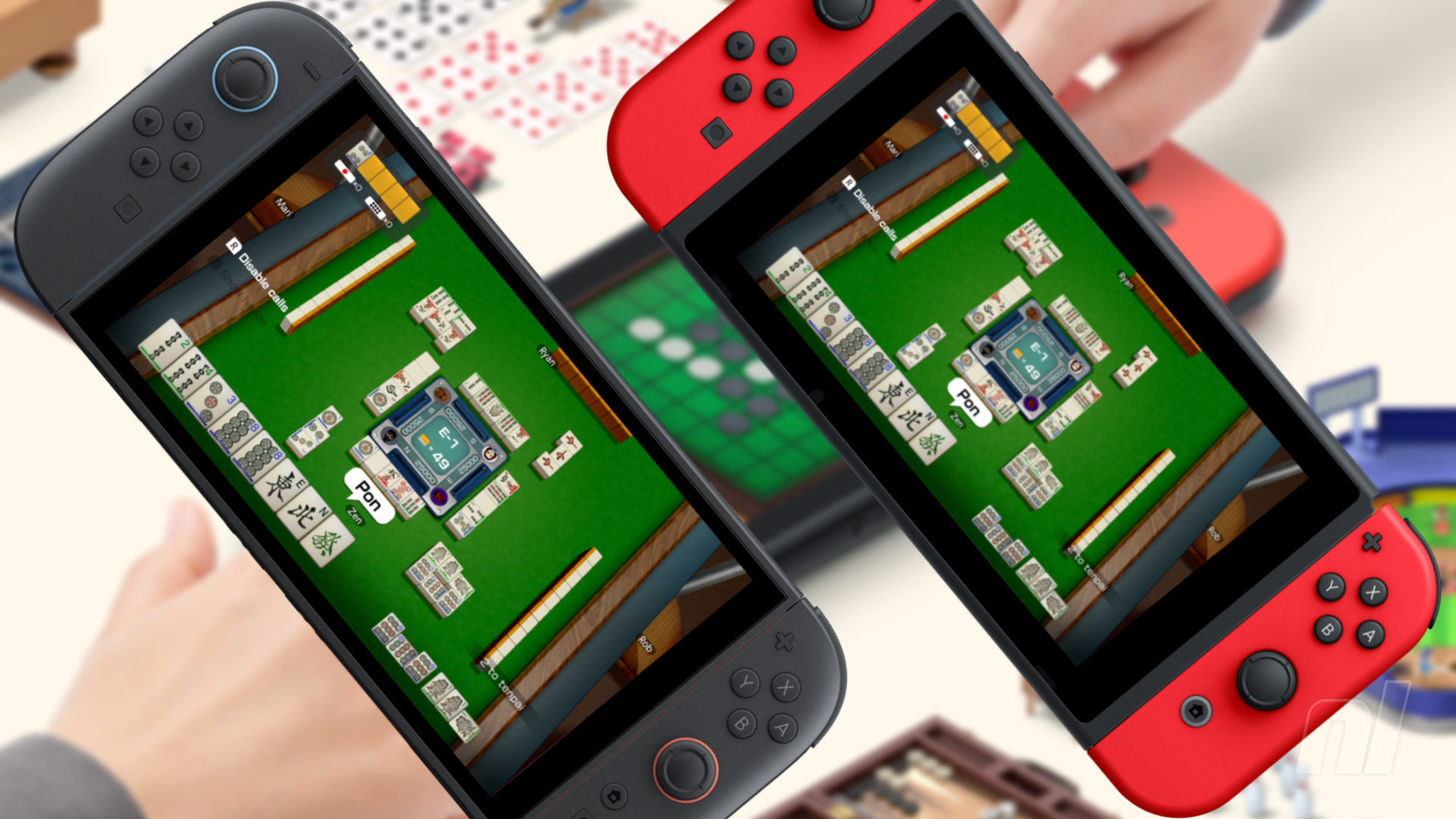
Nintendo has been teeing up its new GameShare feature for a couple of months now, but outside of some flashy promotional ads, we've had no real indication of how easy it'll be to use in practice. That is, until a new video was shared to Nintendo Today! showcasing exactly that and, surprise, it looks super simple (thanks for the heads up, VGC).
The video was embedded in yesterday's 'Playing Nintendo Switch Games on Nintendo Switch 2' topic (accessed via 'News' at the bottom of your app feed), and highlights the process of sharing a multiplayer game between the old and new Switch systems.
As demonstrated in the video, starting a GameShare session on Switch 2 is as easy as selecting the relevant option from a compatible game's start menu. The example is Clubhouse Games (the first title to get the GameShare update), but we'll see 'GameShare' cropping up in menus for the likes of Captain Toad, Super Mario 3D World + Bowser's Fury, Super Mario Odyssey and Big Brain Academy in the future.
The user joining the GameShare session from a Switch 1 simply has to press the GameShare icon on the console's Home Menu. The player instigating the session on Switch 2 can then press 'Start' once everyone is ready and waiting.
Sounds pretty simple, right? You can see the process in action on the Nintendo Today! app or via the following post on Reddit, where the video was shared.
It's worth bearing in mind that while GameShare can be used between Switch 2 and Switch 1 systems, it'll only work in local multiplayer, and a session can only be started by a Switch 2 system. GameShare also works for online multiplayer, but only between Switch 2s.
You can find our full rundown of GameShare and all of its FAQs in the tutorial guide below.